Checkout API
Vipps MobilePay has entered into an agreement to sell the Checkout solution to Kustom.
As part of this transition, Vipps MobilePay Checkout will become Kustom Checkout. This means the Checkout product you ordered will be delivered and developed by Kustom going forward. If you have questions, you can check our FAQ.
Plugins for Checkout
We offer open-source plugins to provide the complete checkout for the following platforms:
If you use one of these modules, you don't need to integrate with the API directly, but just plug it into your website and configure it for use.
Getting started with Checkout
If you prefer to integrate with the Checkout API directly, start by reviewing the Getting started guide.
Once you've got your API keys and test environment set up, take a look at the following:
- API quick start: Run the basic examples in curl or Postman.
- API guide: Learn about the Checkout API features.
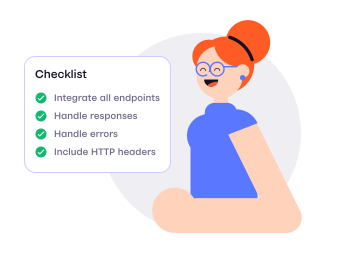
- API checklist: Complete the checklist for a Checkout integration.
- API FAQ: Questions and answers
- API reference: Go straight to the endpoint specifications.
Libraries for generating buttons and badges
Make it easy for customers to check out straight from a product page with the Checkout button.
You can use the following libraries for generating Vipps  and MobilePay
  buttons and badges within your website.
Next steps
To order Checkout, go to vippsmobilepay.com: Checkout.
Explore the pages of this API guide to learn about operations and special features.
Complete the required Checkout checklist to integrate the API into your software.