Freestanding cards
Install AI tools
Give your assistant up-to-date guidance for our APIs, with our plugin or without it.
The plugin is still under development. See the AI tools page for details.
- Claude Code
- Cursor
- Codex
- Without installing
Run both commands, in order.
claude plugin marketplace add vippsas/agent-toolkit
claude plugin install vipps-developer@agent-toolkit
Open Settings, then Plugins.
Add vippsas/agent-toolkit as a plugin marketplace, then install the "vipps-developer" plugin.
For the app, add the marketplace "vippsas/agent-toolkit" and then install "vipps-developer". For the CLI, run the following commands.
codex plugin marketplace add vippsas/agent-toolkit
codex plugin add vipps-developer@agent-toolkit
Paste this into any assistant.
Read https://github.com/vippsas/agent-toolkit/blob/main/plugins/vipps-developer/README.md for Vipps MobilePay integration guidance.
For troubleshooting, see the full instructions.
The ePayment API supports freestanding card payments, where any user can pay with a card without using the app. This lets merchants accept payments from customers in countries where the Vipps or MobilePay app is not yet available.
For a visual walkthrough of the customer's experience with freestanding cards, see How it works with freestanding cards.
- Vipps
- MobilePay
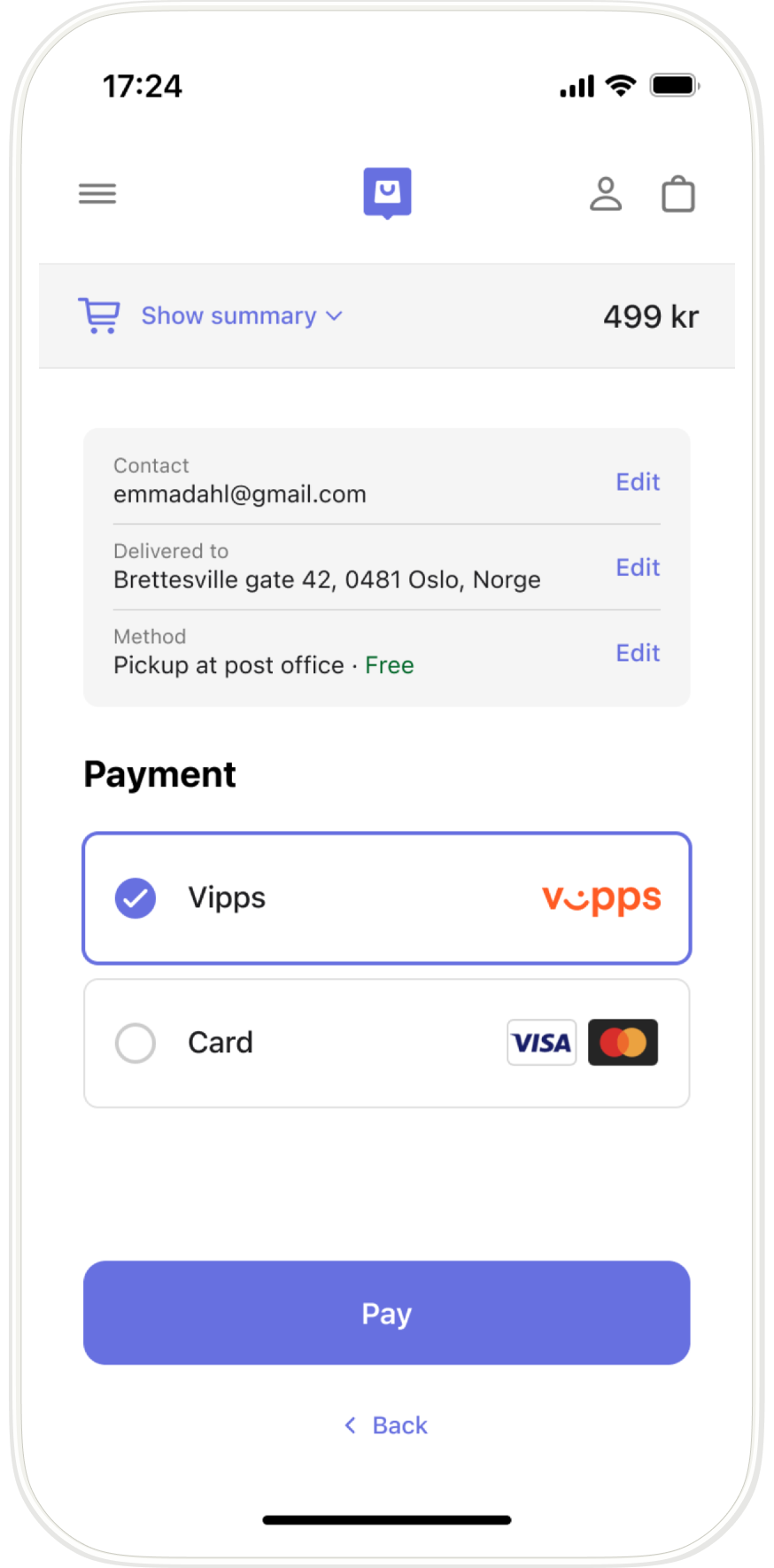
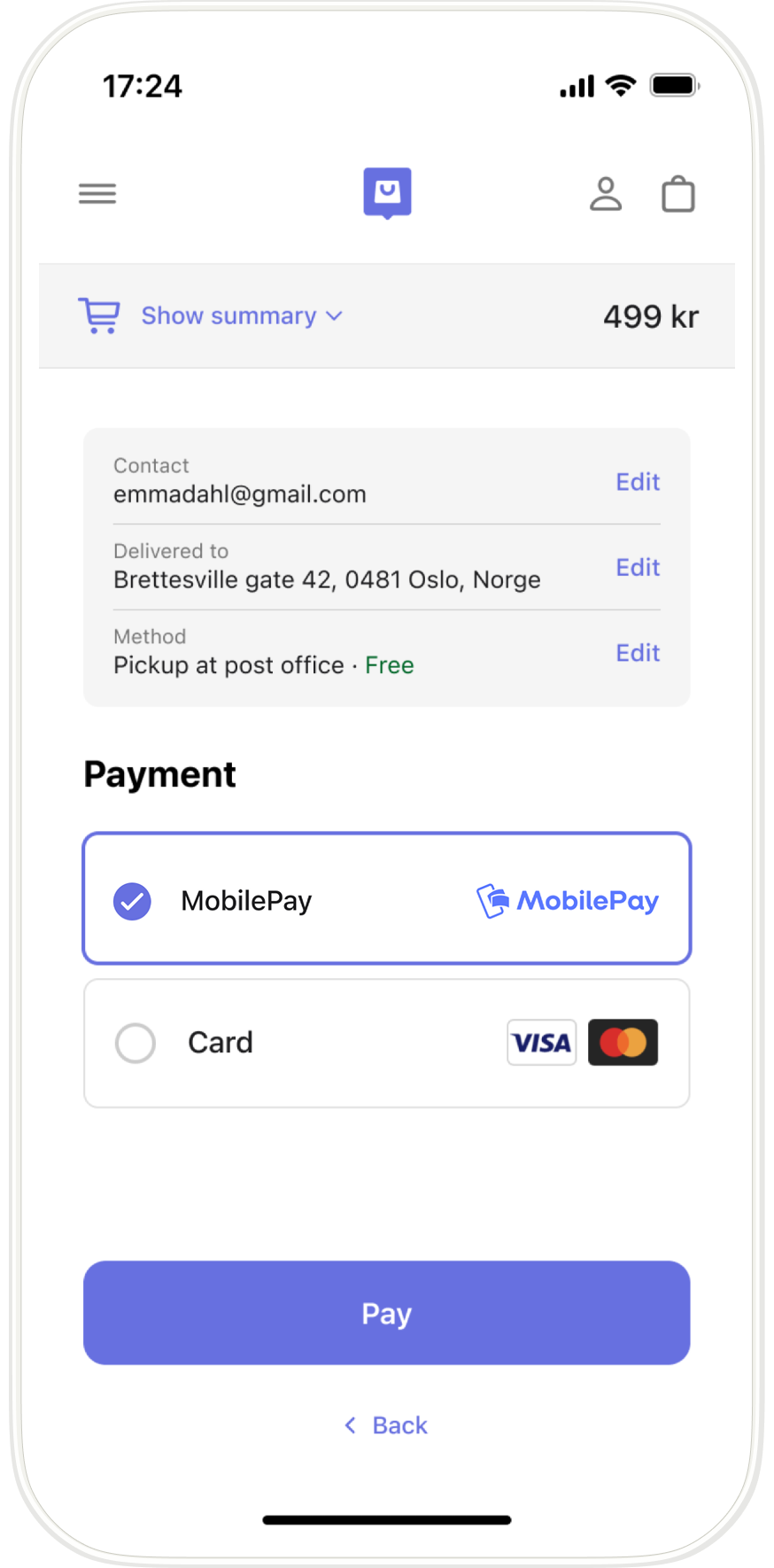
Screenshot: Mobile checkout payment method selection showing the app brand (Vipps or MobilePay) with Card as an alternative option.
Authorization
All ePayment API requests must include a valid Bearer token in the Authorization header.
See Authorization for how to obtain one.
Request
To initiate a freestanding card payment, call the create payment endpoint,
POST:/epayment/v1/payments.
Specify "paymentMethod": {"type": "CARD"}, "userFlow": "WEB_REDIRECT", and a returnUrl.
For example:
curl -X POST https://apitest.vipps.no/epayment/v1/payments \
-H "Content-Type: application/json" \
-H "Authorization: Bearer YOUR-ACCESS-TOKEN" \
-H "Ocp-Apim-Subscription-Key: YOUR-SUBSCRIPTION-KEY" \
-H "Merchant-Serial-Number: YOUR-MSN" \
-H 'Idempotency-Key: YOUR-IDEMPOTENCY-KEY' \
-H "Vipps-System-Name: acme" \
-H "Vipps-System-Version: 3.1.2" \
-H "Vipps-System-Plugin-Name: acme-webshop" \
-H "Vipps-System-Plugin-Version: 4.5.6" \
-d '{
  "paymentMethod": {
    "type": "CARD"
  },
  "amount": {
    "currency": "NOK",
    "value": 49900
  },
  "reference": "acme-shop-123-order123abc",
  "returnUrl": "https://example.com/redirect?reference=acme-shop-123-order123abc",
  "userFlow": "WEB_REDIRECT",
  "paymentDescription": "Online purchase of sportswear"
}'
The response for the request above contains a redirectUrl pointing to the card entry page, a web page with a
form where the customer enters their card details. Send the customer to that URL to start the payment.
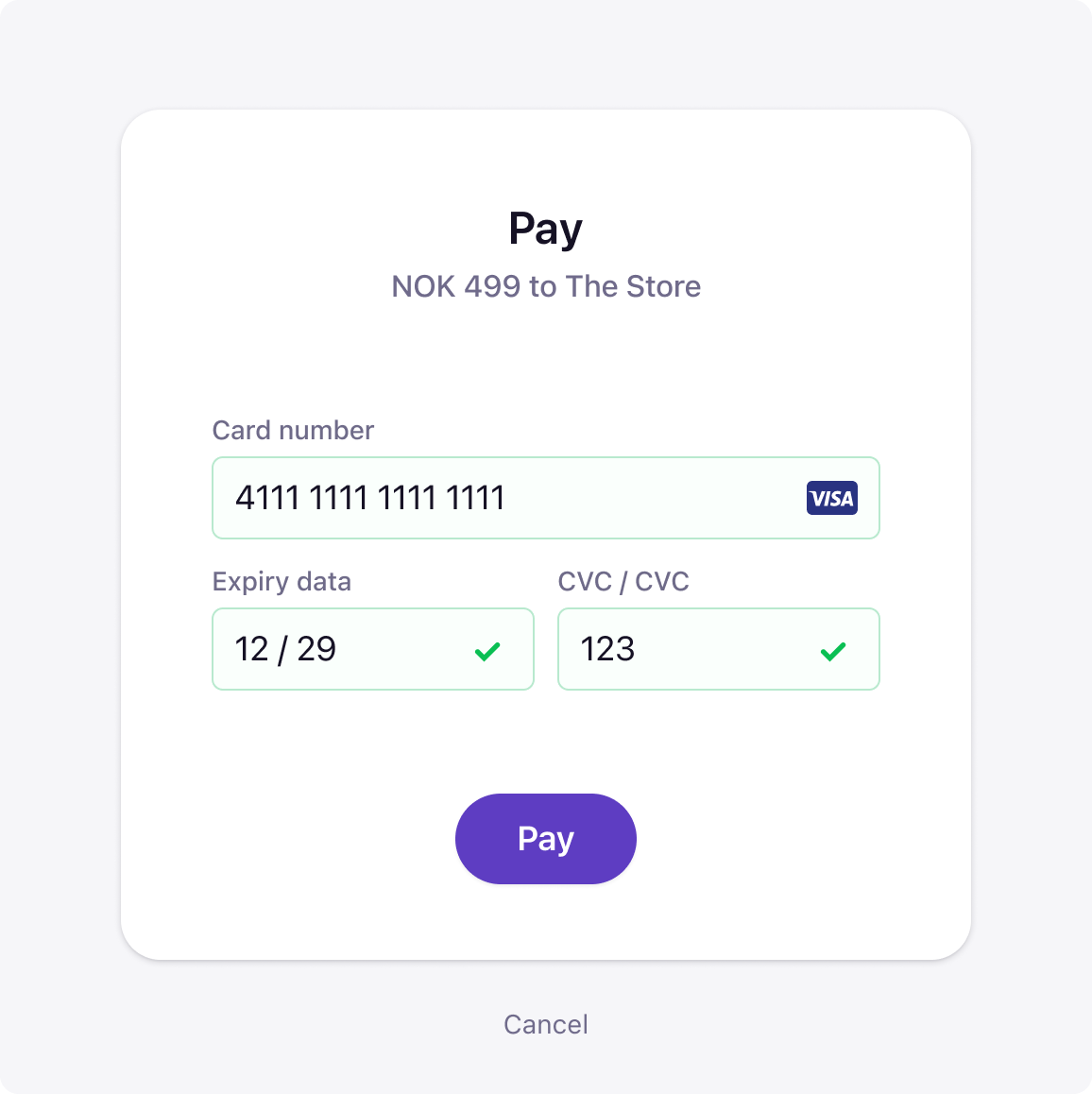
Screenshot: Card payment entry form with fields for card number, expiry date, and CVC, with a Pay button.
After submitting the card details, the customer is redirected back to the returnUrl, where the order
confirmation is shown.
To determine that the customer has completed the payment, get notifications via the Webhooks API and/or poll for the status, according to the polling guidelines.
Once the order is ready to ship, capture the payment.
The card entry page is not currently available in the test environment.
Sequence diagram
Freestanding card payment flow
- Customer selects card as the payment method.
- Merchant initiates a payment request via the ePayment API with the card payment method.
- ePayment API returns the redirect URL to the card entry page.
- Merchant sends the customer to the card entry page.
- Customer enters the card details and pays.
- Webhooks API sends the merchant an authorized, aborted, or expired event.
- Merchant gets the payment from the ePayment API, as a backup if the webhook is delayed or missed.
- ePayment API returns the current state of the payment.
- If the payment was aborted or expired, the customer is returned to the checkout page and the flow ends.
- If the payment was authorized, the merchant displays order confirmation to the customer.
- Merchant prepares the order (packs goods, makes ready to dispatch).
- Merchant captures the payment via the ePayment API.
- ePayment API returns a response with the captured amount.
- Merchant verifies the captured amount matches expected before shipping.
- Merchant ships the order (only after full capture is verified).
