Merchant terms
Install AI tools
Give your assistant up-to-date guidance for our APIs, with our plugin or without it.
The plugin is still under development. See the AI tools page for details.
- Claude Code
- Cursor
- Codex
- Without installing
Run both commands, in order.
claude plugin marketplace add vippsas/agent-toolkit
claude plugin install vipps-developer@agent-toolkit
Open Settings, then Plugins.
Add vippsas/agent-toolkit as a plugin marketplace, then install the "vipps-developer" plugin.
For the app, add the marketplace "vippsas/agent-toolkit" and then install "vipps-developer". For the CLI, run the following commands.
codex plugin marketplace add vippsas/agent-toolkit
codex plugin add vipps-developer@agent-toolkit
Paste this into any assistant.
Read https://github.com/vippsas/agent-toolkit/blob/main/plugins/vipps-developer/README.md for Vipps MobilePay integration guidance.
For troubleshooting, see the full instructions.
Provide your terms of sale and privacy policy directly in the Vipps or MobilePay app during the payment process. Customers can review the information and must accept the merchant terms before continuing with the payment.
Merchant terms are supported in ePayment flows that use the Vipps or MobilePay app, including Express payments that start outside your website, such as from a QR code or an advertisement.
We recommend using merchant terms together with either receiptUrl or receipt to provide the customer with an
order overview alongside the legal information.
See Set order details for details.
User acceptance flow
When you include merchant legal links in the payment request, the customer sees an acceptance screen in the Vipps or MobilePay app before completing the payment. The screen provides access to the legal links you supplied. If you also include order details, the customer can open the order overview from this screen.
The customer must select I accept to continue with the payment. If the customer cancels, they cannot proceed with that payment flow.
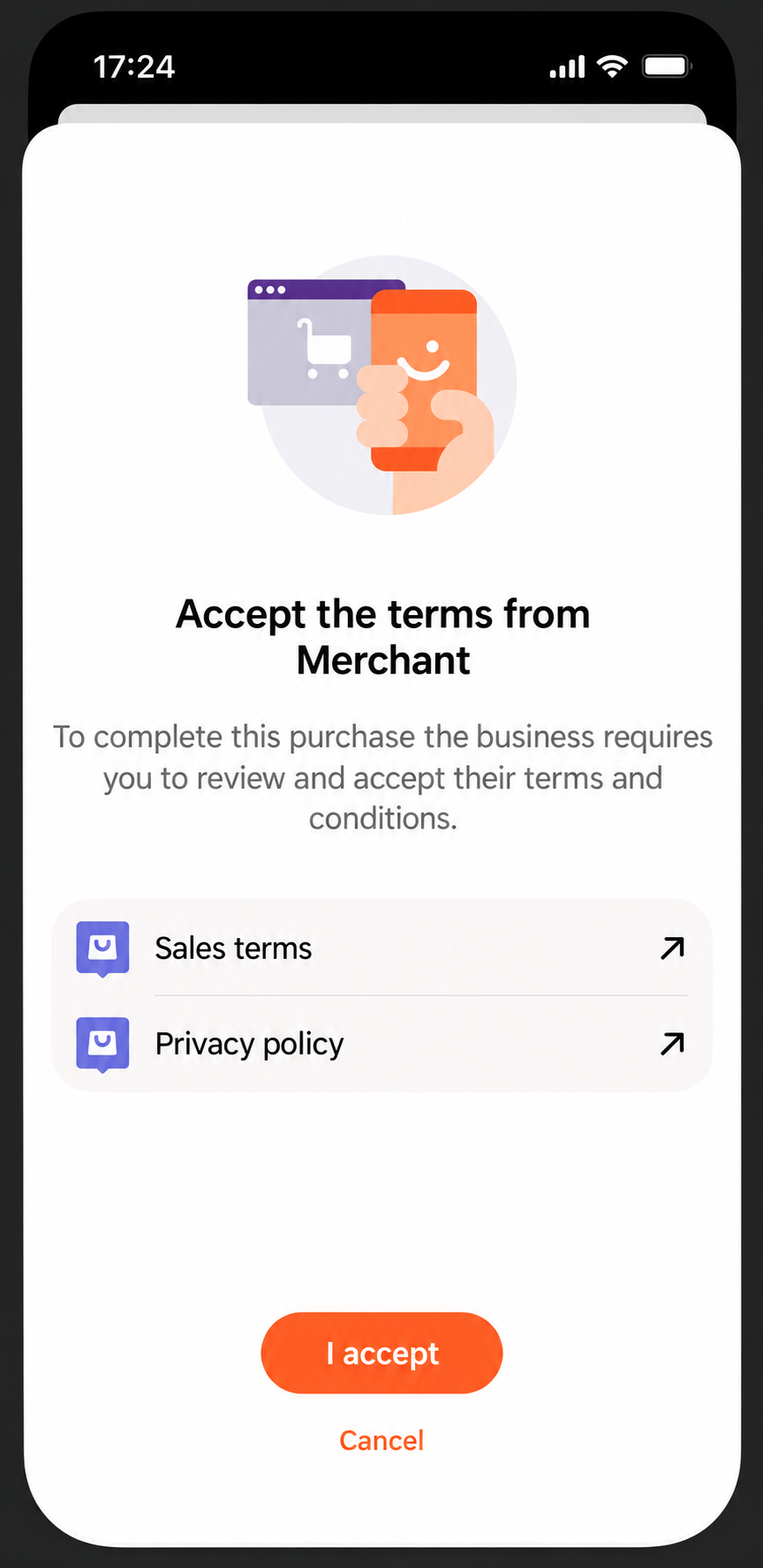
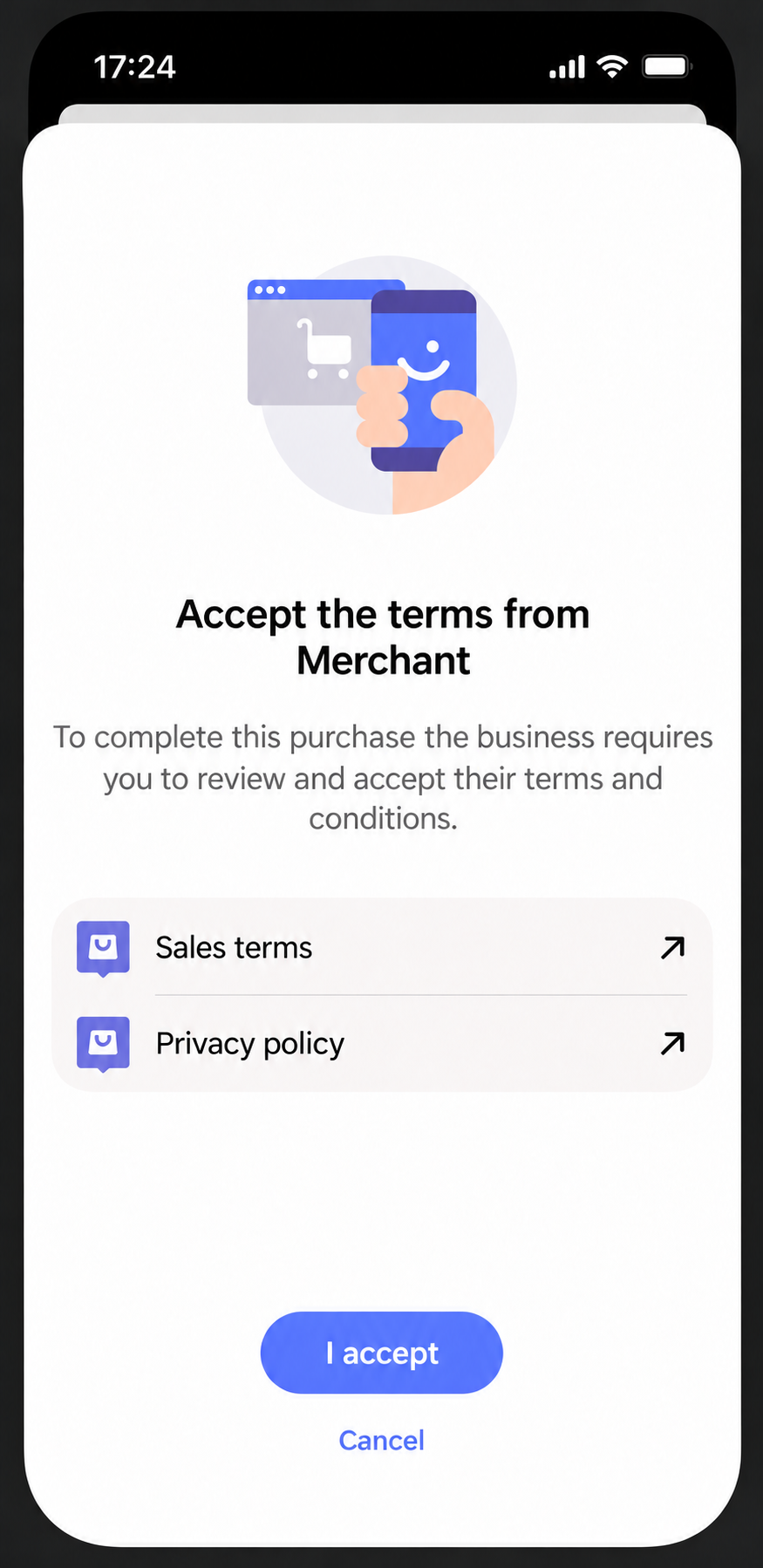
Screenshot: Vipps or MobilePay shows Sales terms and Privacy policy links, an I accept button and a Cancel option.
Authorization
All ePayment API requests must include a valid Bearer token in the Authorization header.
See Authorization for how to obtain one.
Create a payment with merchant terms
Call POST:/epayment/v1/payments with merchantLegalLinks.
For example:
curl -X POST https://apitest.vipps.no/epayment/v1/payments \
  -H "Content-Type: application/json" \
  -H "Authorization: Bearer YOUR-ACCESS-TOKEN" \
  -H "Ocp-Apim-Subscription-Key: YOUR-SUBSCRIPTION-KEY" \
  -H "Merchant-Serial-Number: YOUR-MSN" \
  -H "Idempotency-Key: YOUR-IDEMPOTENCY-KEY" \
  -H "Vipps-System-Name: acme" \
  -H "Vipps-System-Version: 3.1.2" \
  -H "Vipps-System-Plugin-Name: acme-webshop" \
  -H "Vipps-System-Plugin-Version: 4.5.6" \
  -d '{
    "amount": {
      "value": 49900,
      "currency": "NOK"
    },
    "paymentMethod": {
      "type": "WALLET"
    },
    "customer": {
      "phoneNumber": "4712345678"
    },
    "reference": "UNIQUE-PAYMENT-REFERENCE",
    "userFlow": "WEB_REDIRECT",
    "returnUrl": "https://example.com/redirect?reference=UNIQUE-PAYMENT-REFERENCE",
    "paymentDescription": "Acme Webshop order 1234",
    "receiptUrl": "https://example.com/receipts/1234",
    "merchantLegalLinks": {
      "termsOfSaleUrl": "https://example.com/terms-of-sale",
      "privacyPolicyUrl": "https://example.com/privacy-policy"
    }
  }'
Both fields in merchantLegalLinks are optional and can be used independently:
termsOfSaleUrl: Link to your terms of sale.privacyPolicyUrl: Link to your privacy policy.
Provide at least one of these links when you include merchantLegalLinks.
Use publicly accessible HTTPS URLs so customers can open the documents from the payment app.
Each URL can contain up to 2,500 characters.
The example uses receiptUrl to provide an order overview. Alternatively, include a receipt object with order lines.
The merchant is responsible for the content of the linked documents and for meeting applicable legal requirements.