Personal QR
Implement customer identification using personal QR codes from the Vipps or MobilePay app for quick and secure user verification at physical points of sale.
For a visual walkthrough of the customer's experience with personal QR:
- How the QR API works with personal QR - Detailed personal QR flow
- How it works in the store - Complete in-store payment scenario
Overview
If you have a QR code scanner, you can identify customers by scanning their personal QR code from the Vipps or MobilePay app. This enables quick, contactless in-store payments without manually entering phone numbers.
- Vipps
- MobilePay
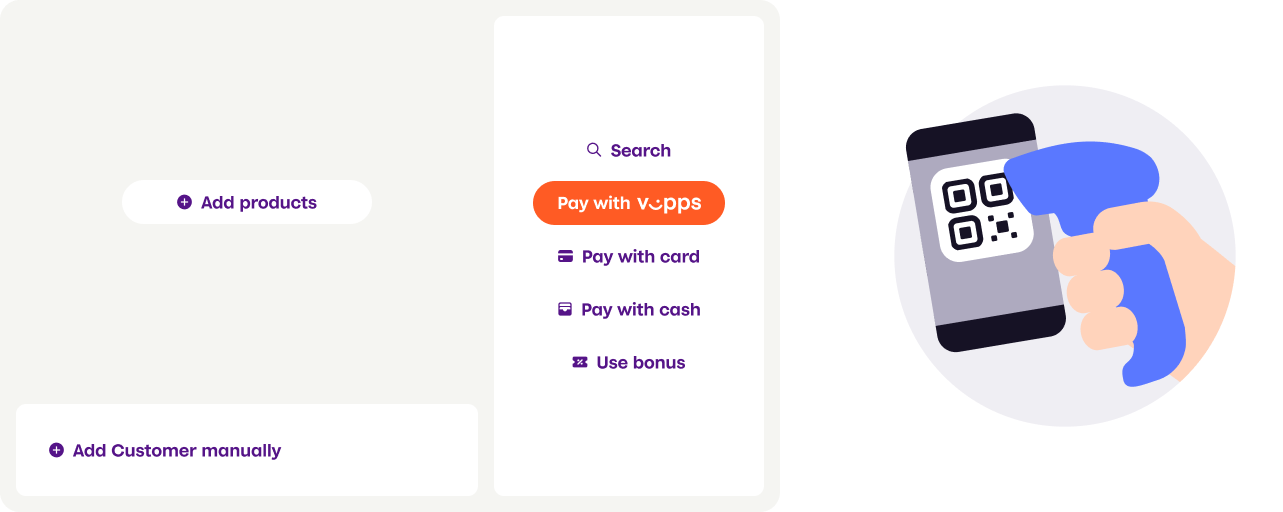
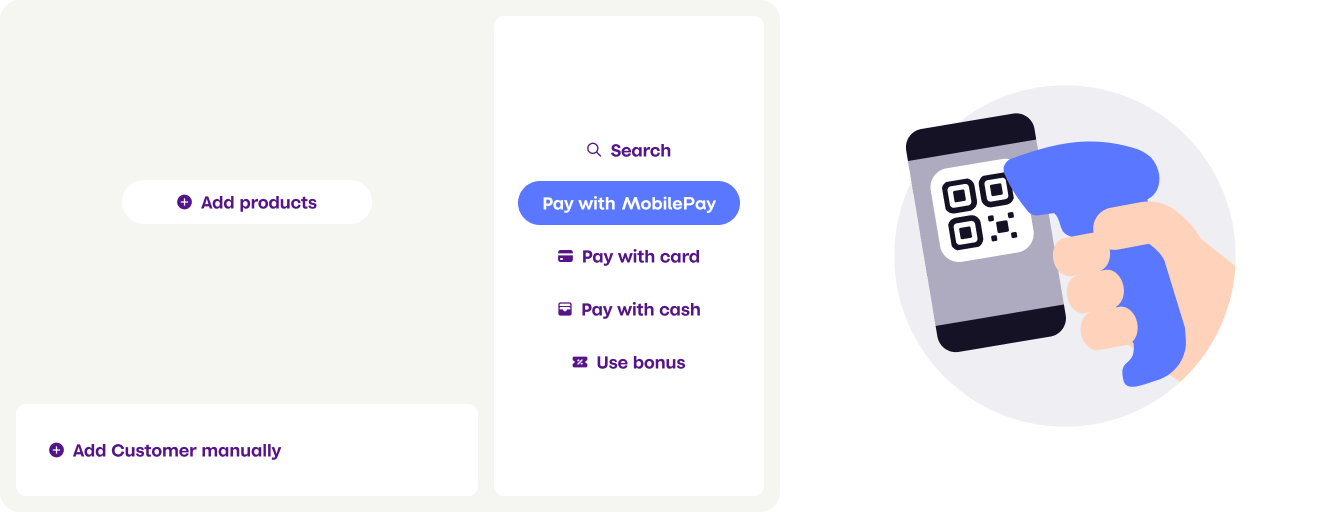
Scanner types
Personal QR codes can be scanned in two ways:
Customer-facing scanner - A permanent scanner positioned for customer self-service. Customers scan their personal QR code at any time during checkout.
Cashier scanner - The cashier scans the customer's QR code using a wired scanner, either while scanning items or immediately before payment.
Getting the customer's phone number
Use the Personal QR exchange endpoint to convert the scanned QR code into the customer's phone number.
For MobilePay, the personal QR code is tokenized, so you must use the exchange endpoint to get the phone number.
For Vipps, the personal QR code currently contains the phone number in clear-text format (e.g., https://qr.vipps.no/28/2/01/031/4712345678?v=1). However, we strongly recommend using the exchange endpoint for Vipps as well, as this will become required in the future when Vipps also moves to tokenized QR codes. Using the exchange endpoint now ensures your integration will continue to work without changes.
Request
curl -X POST https://apitest.vipps.no/qr/v1/exchange \
-H "Content-Type: application/json" \
-H "Authorization: Bearer YOUR-ACCESS-TOKEN" \
-H "Ocp-Apim-Subscription-Key: YOUR-SUBSCRIPTION-KEY" \
-H "Merchant-Serial-Number: YOUR-MSN" \
-d '{
    "qrCode": "https://qr.vipps.no/p/qwjhewqhueheuqwhuqwhe"
}'
Response
The response format differs depending on whether you're using Vipps or MobilePay:
For MobilePay (always tokenized, version 2.0):
{
  "msisdn": "4712345678",
  "timestamp": 1634025600,
  "version": "2.0"
}
For Vipps (currently clear-text, version 1.0, but transitioning to version 2.0):
{
  "msisdn": "4712345678",
  "version": "1.0"
}
Response fields:
msisdn- The customer's phone number, which you can use to initiate the paymenttimestamp- UTC timestamp (in seconds) indicating when the QR code was generated (only available in version 2.0)version- The QR code version:2.0- Tokenized format (all MobilePay, future Vipps)1.0- Clear-text format (current Vipps, deprecated)
Creating the payment
After obtaining the phone number, create a payment using POST:/epayment/v1/payments with these settings:
- Set
userFlowtoPUSH_MESSAGEto send the payment request directly to the customer's app - Set
customerInteractiontoCUSTOMER_PRESENT(required for regulatory compliance) - Include the customer's
personalQrin the request - Optionally add
receipt.orderLinesto display purchase details in the app
Example request
curl -X POST https://apitest.vipps.no/epayment/v1/payments \
-H "Content-Type: application/json" \
-H "Authorization: Bearer YOUR-ACCESS-TOKEN" \
-H "Ocp-Apim-Subscription-Key: YOUR-SUBSCRIPTION-KEY" \
-H "Merchant-Serial-Number: YOUR-MSN" \
-H 'Idempotency-Key: YOUR-IDEMPOTENCY-KEY' \
-H "Vipps-System-Name: acme" \
-H "Vipps-System-Version: 3.1.2" \
-H "Vipps-System-Plugin-Name: acme-webshop" \
-H "Vipps-System-Plugin-Version: 4.5.6" \
-d '{
  "amount": {
    "value": 49800,
    "currency": "NOK"
  },
  "paymentMethod": {
    "type": "WALLET"
  },
  "customer": {
    "personalQr": "https://qr.vipps.no/p/qwjhewqhueheuqwhuqwhe"
  },
  "receipt":{
    "orderLines": [
      {
        "name": "Orange hoodie",
        "id": "hoodie1234",
        "totalAmount": 29900,
        "totalAmountExcludingTax": 23920,
        "totalTaxAmount": 5980,
        "taxRate": 2500
      },
      {
        "name": "White T-shirt",
        "id": "tshirt1234",
        "totalAmount": 19900,
        "totalAmountExcludingTax": 15920,
        "totalTaxAmount": 3980,
        "taxRate": 2500
      },
    ],
    "bottomLine": {
      "currency": "NOK",
      "posId": "Butikken-23412",
      "receiptNumber": "0527013501"
    },
  },
  "reference": 2486791679658155992,
  "userFlow": "PUSH_MESSAGE",
  "returnUrl": "http://example.com/redirect?reference=2486791679658155992",
  "paymentDescription": "Payment to Butikken",
  "customerInteraction": "CUSTOMER_PRESENT"
}'
Troubleshooting
Error: "The parameter PersonalQr is invalid"
This error occurs when the QR code value cannot be recognized. The personalQr parameter only accepts QR codes from the Vipps or MobilePay app's personal QR section.
Common causes:
- The entire QR code content was not captured or transmitted
- A different type of QR code (merchant QR, promotional QR, or similar) was scanned instead
- The scanner captured a QR code from something other than the customer's app
Solutions:
- Verify the complete QR code content is being sent in the request
- Ensure the customer is showing their personal QR code from within the Vipps or MobilePay app
- Check that the scanner is reading the correct QR code and not others nearby
See also
- How the QR API works with personal QR - Detailed visual walkthrough of the personal QR flow
- How ePayment works in the store - Complete in-store payment scenario
- QR API guide - Complete documentation for QR code operations
- Customer present payments - Requirements for in-person transactions