Find the right API
Products purchased from vippsmobilepay.com correspond to the API platform. In addition, supporting APIs (e.g., Access token, Webhooks, QR) can be used with these products.
Before integrating APIs directly, check if we have a ready-made plugin for your platform:
- Shopify - Payment, checkout, companion app, and login plugins
- WooCommerce - Full integration with payment and login support
- All plugins - See all available platform integrations
Plugins handle the API integration automatically, saving you development time.
Payment integration
Main API: ePayment API
Add Vipps or MobilePay to your existing payment solution
Vipps MobilePay product page: Payment integration
Accept online payments from customers using Vipps or MobilePay. Includes Express Checkout.
💡 See what you can do: Check out our online payment flows for examples.
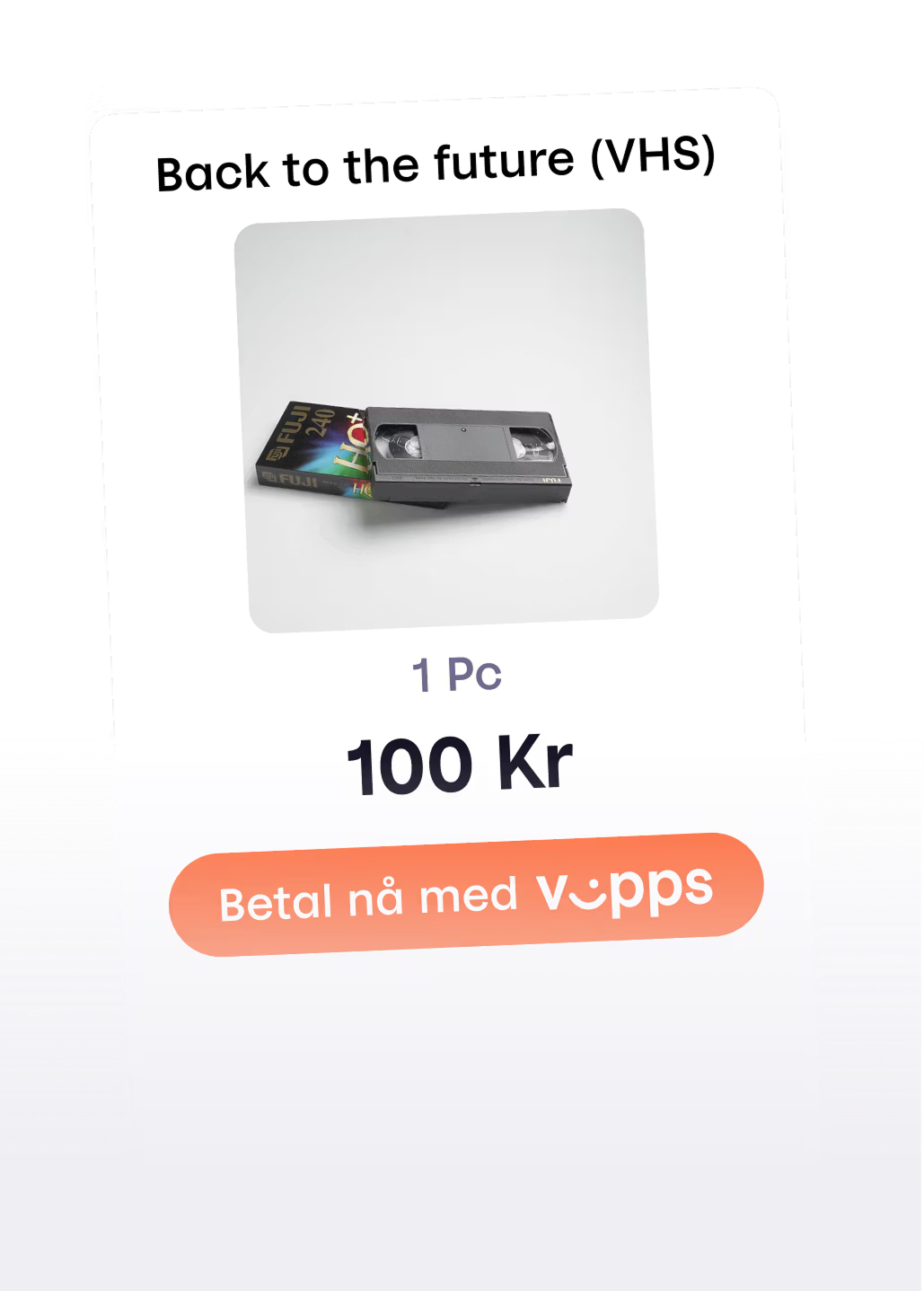
Cash register integration
Main API: ePayment API
Connect Vipps to your existing cash register system or vending machine
Vipps MobilePay product page: Cash register integration
Accept payments at physical point of sale with QR codes displayed on screens or printed.
💡 See what you can do: Explore in-store payment flows for QR code and point-of-sale examples.

Recurring payments
Main API: Recurring API
Let returning customers pay automatically
Vipps MobilePay product page: Recurring payments
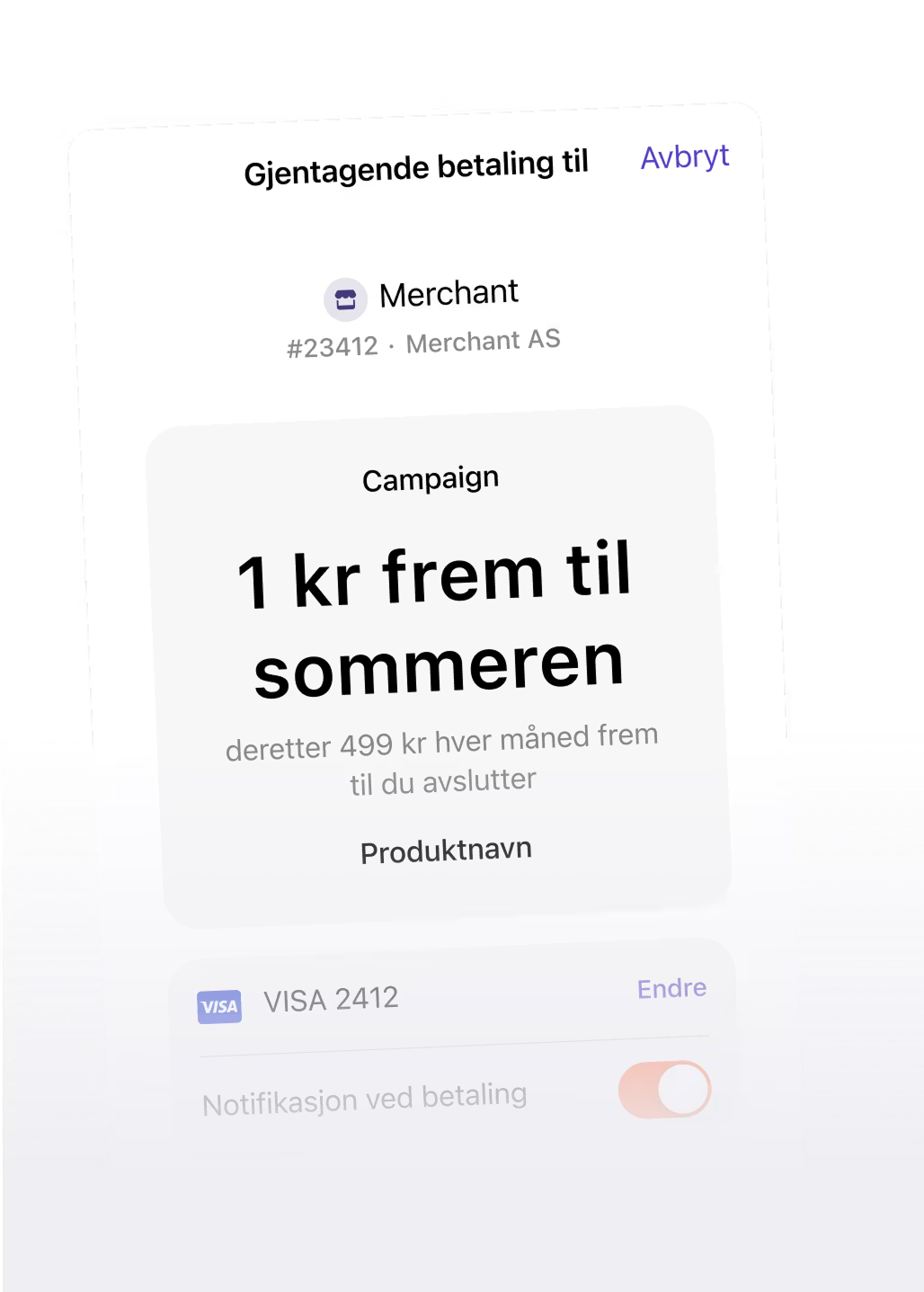
Automate subscription billing, memberships, and recurring charges with customer consent.
💡 See what you can do: Discover how to implement recurring payment flows for subscriptions and automated billing.
Checkout
Main API: Checkout API
Sell more with an all-in-one online checkout
Vipps MobilePay product page: Checkout
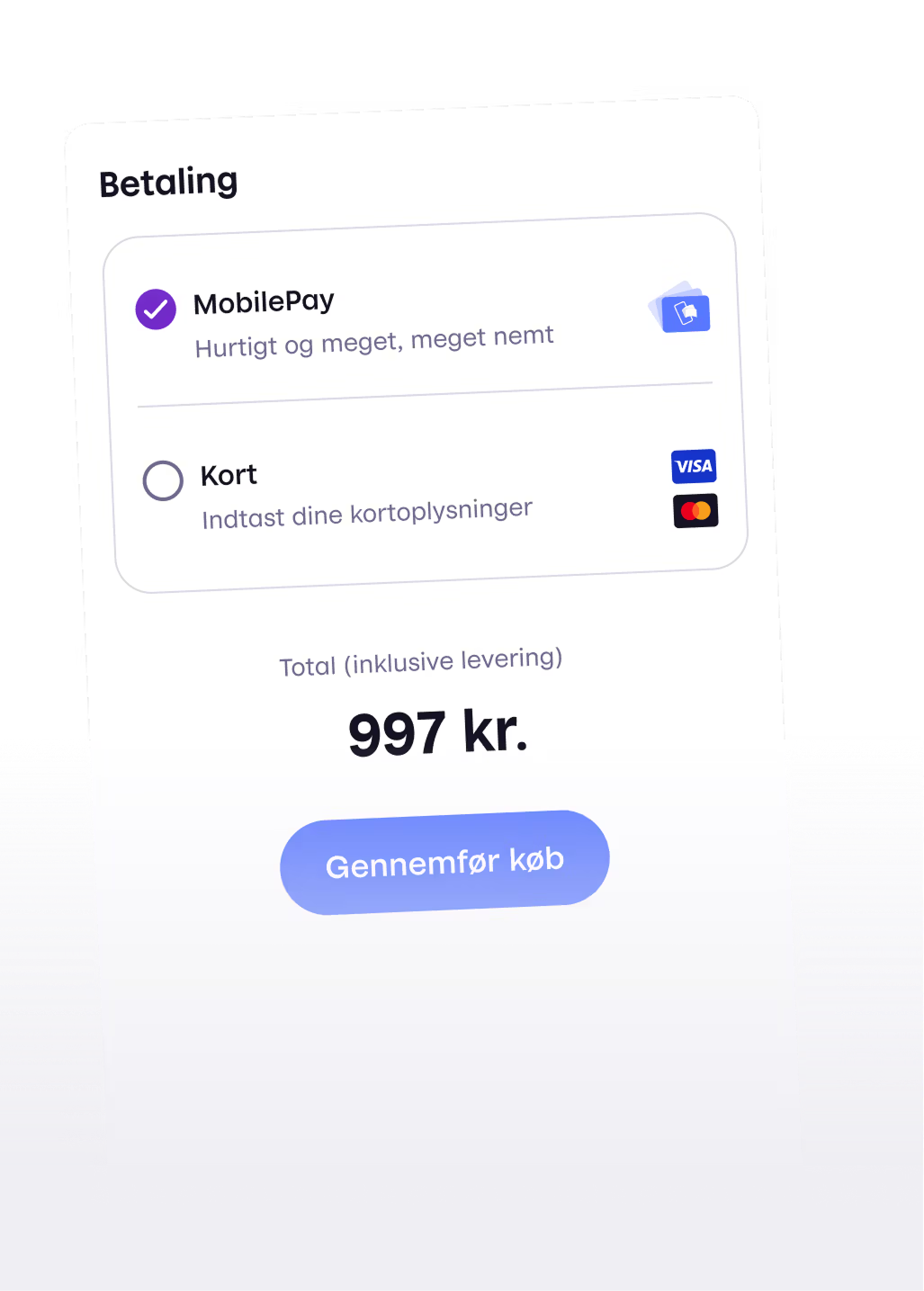
All-in-one checkout solution that handles payments, shipping options, and customer data collection.
💡 See what you can do: Explore the Checkout API documentation for implementation guides and shipping integration examples.
Login and customer club
Main API: Login API
Smooth sign-up and login
Vipps MobilePay product page: Login
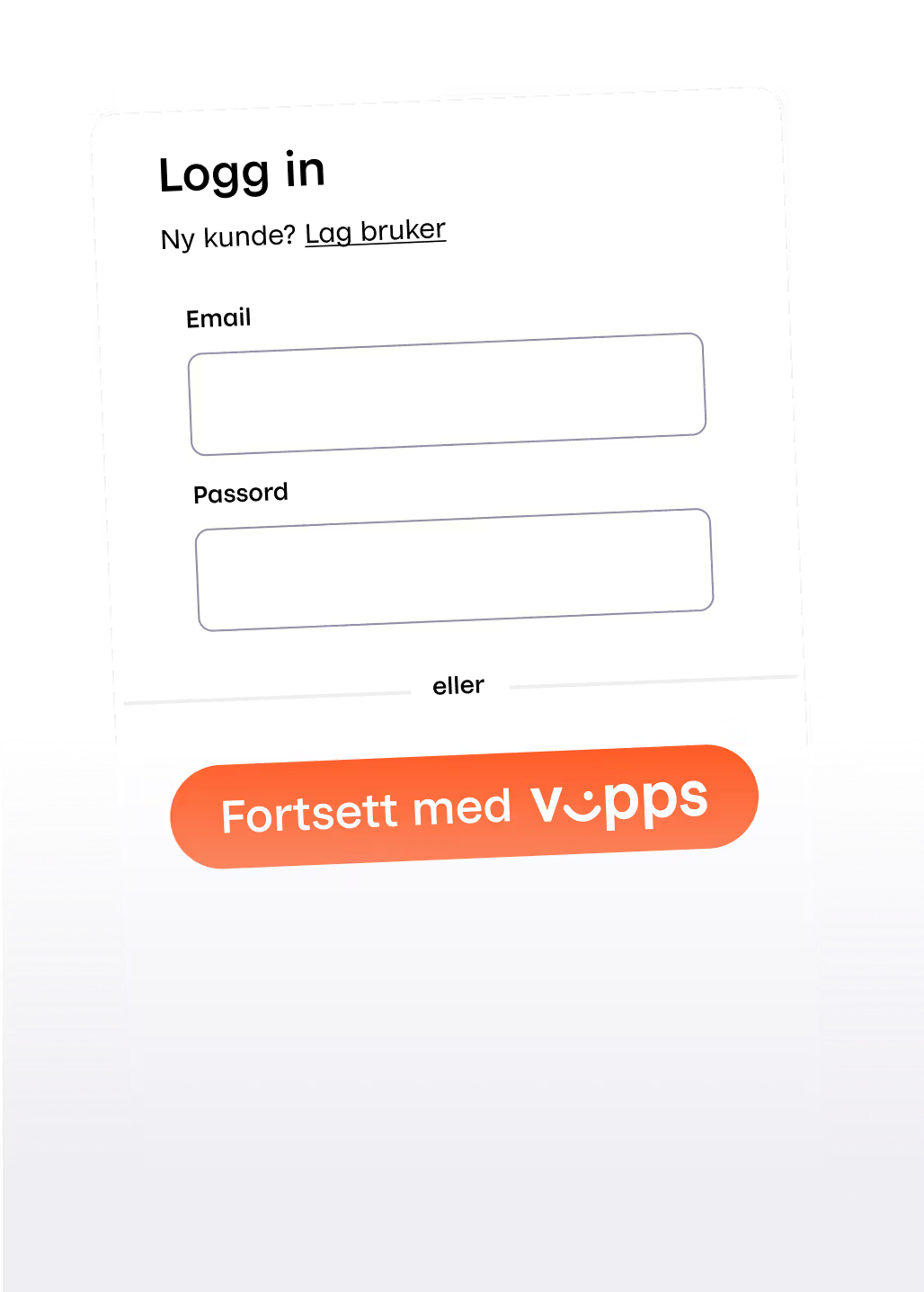
Authenticate users on your website or app using their Vipps or MobilePay account.
💡 See what you can do: Check out login flows for authentication and user onboarding examples.
Donations
Main API: Donations API
Track donations and access donor information
Vipps MobilePay product page: Donations
Retrieve donor names, phone numbers, and transaction data for single and recurring donation campaigns.
Go to the Donations API
All products can use the supporting APIs: Access Token, Webhooks, QR, Userinfo, and Order Management.
Reporting APIs: Retrieving data from products
Different reporting APIs retrieve data from different products. Use this mapping to understand which API to use for retrieving transaction and financial data:
| Reporting API | Retrieves data from these products | What data it provides |
|---|---|---|
| Report API | Payment Integration, Cash register integration, Recurring payments, VM Number products* | Transaction details, settlement data, captures, refunds, and fees for accounting and financial reporting |
| Donations API | Donations | Donation-specific data including donor information and donation transactions. Note: For settlement data, use the Report API |
*For VM Number products (Open Amount and Shopping Basket), the Report API can be accessed by a designated accounting partner.
Key differences:
- Report API: Use for settlement and transaction data across payment products (Payment Integration, Cash register, Recurring payments, and VM Number products)
- Donations API: Use specifically for managing donation journey data from the Donations product; for financial settlements, still use the Report API
Next steps
Want to see what you can do with a product?
Check out the recommended flows to see implementation patterns for:
Know which API you need?
Find it in the API platform overview or use the sidebar/navbar to navigate directly to the API documentation.
Have questions
- Technical questions: See Help
- Product questions: Visit vippsmobilepay.com or contact support