Find the right API
Install AI tools
Give your assistant up-to-date guidance for our APIs, with our plugin or without it.
The plugin is still under development. See the AI tools page for details.
- Claude Code
- Cursor
- Codex
- Without installing
Run both commands, in order.
claude plugin marketplace add vippsas/agent-toolkit
claude plugin install vipps-developer@agent-toolkit
Open Settings, then Plugins.
Add vippsas/agent-toolkit as a plugin marketplace, then install the "vipps-developer" plugin.
For the app, add the marketplace "vippsas/agent-toolkit" and then install "vipps-developer". For the CLI, run the following commands.
codex plugin marketplace add vippsas/agent-toolkit
codex plugin add vipps-developer@agent-toolkit
Paste this into any assistant.
Read https://github.com/vippsas/agent-toolkit/blob/main/plugins/vipps-developer/README.md for Vipps MobilePay integration guidance.
For troubleshooting, see the full instructions.
Each product you buy on vippsmobilepay.com maps to one or more APIs on this platform. Supporting APIs (such as Access Token, Webhooks, and QR) can be used alongside any product.
Select your goal to find the right product and API.
Product mapping
Each product below lists its main API.
Payment integration
Add Vipps or MobilePay to your existing payment solution
Vipps MobilePay product page: Payment integration
Accept online payments with Vipps or MobilePay, including Express.
See online payment flows for examples.
ePayment API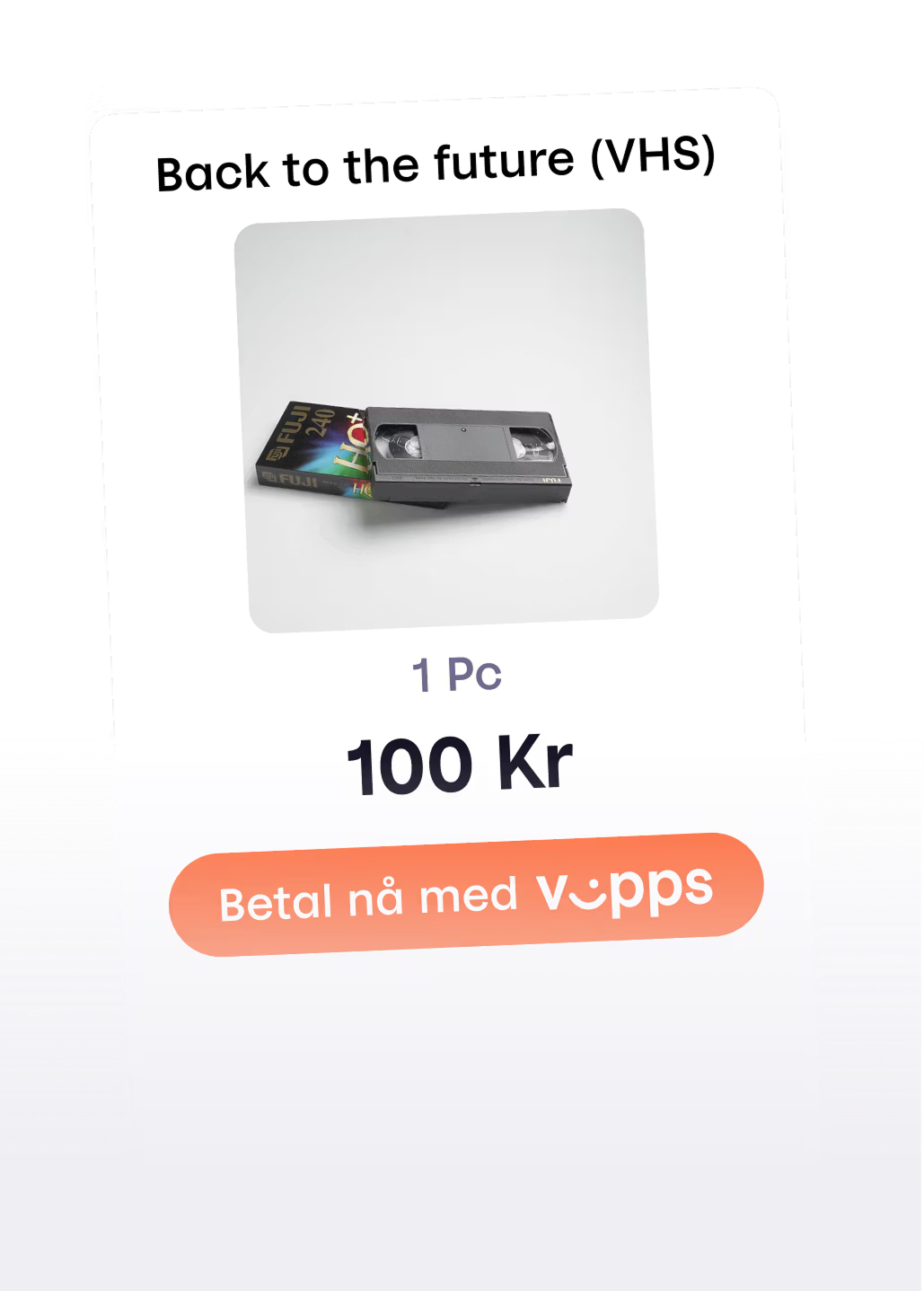
Cash register integration
Connect Vipps or MobilePay to your existing cash register system or vending machine
Vipps MobilePay product page: Cash register integration
Accept payments at a physical point of sale, with QR codes shown on a screen or printed.
See in-person payment flows for examples.
ePayment API
Recurring payments
Let returning customers pay automatically
Vipps MobilePay product page: Recurring payments
Automate subscription billing, memberships, and recurring charges with customer consent.
See recurring payment flows for examples.
Recurring API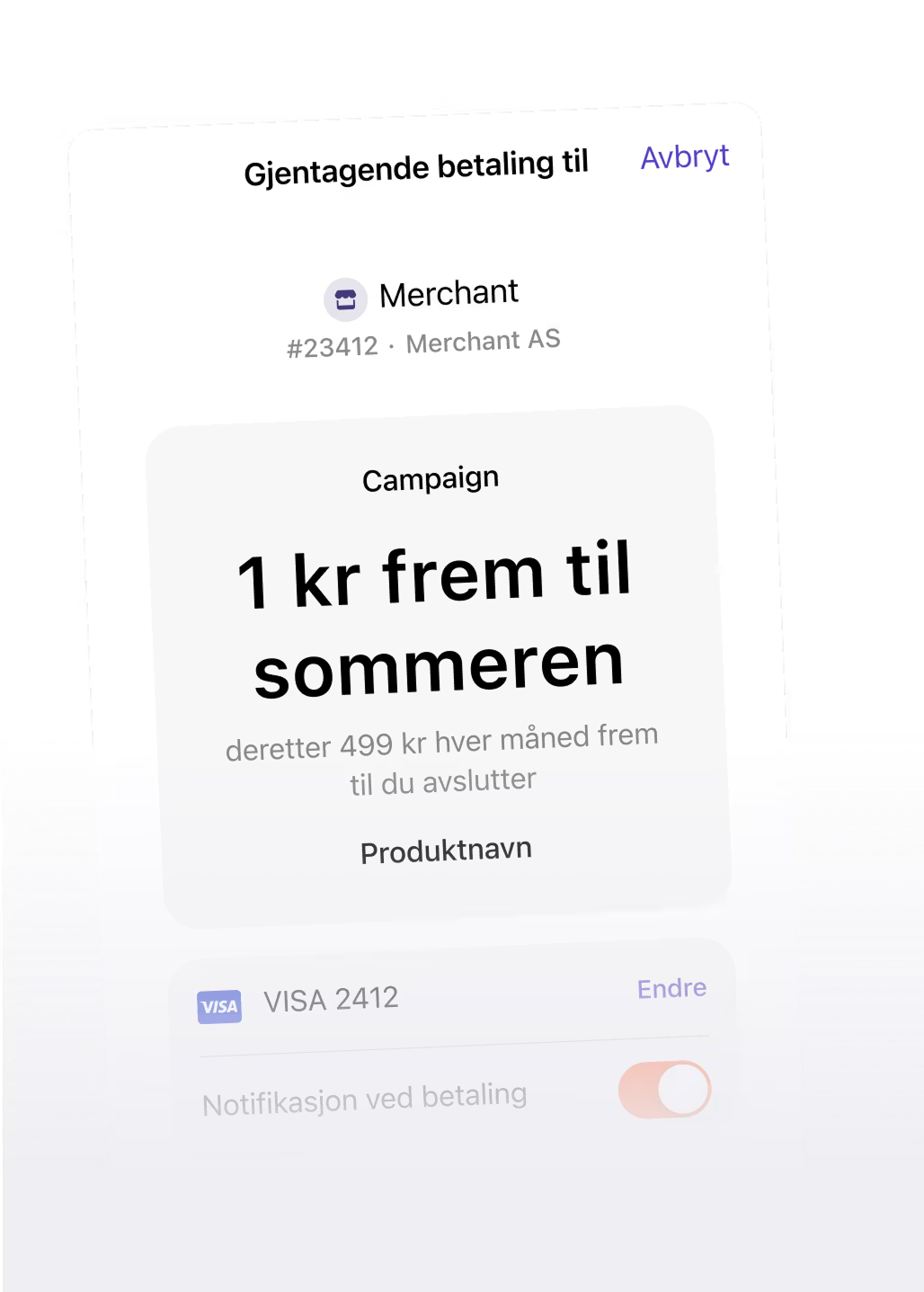
Login and customer club
Offer smooth sign-up and login
Vipps MobilePay product page: Login
Authenticate users on your website or app using their Vipps or MobilePay account.
See login flows for examples.
Login API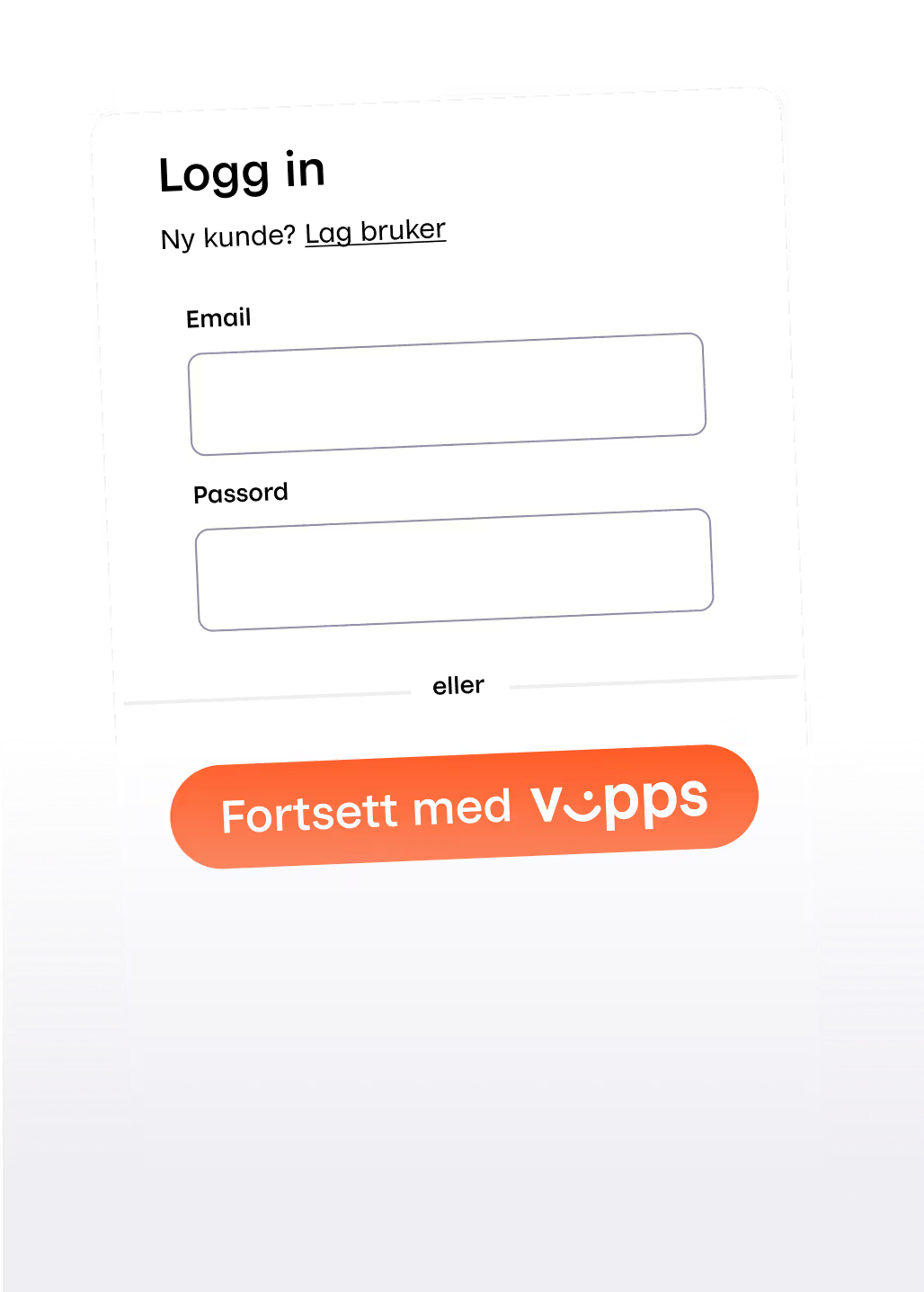
Donations
Track donations and access donor information
Vipps MobilePay product page: Donations
Retrieve donor names, phone numbers, and transaction data for single and recurring donation campaigns.
Donations API
All products can be combined with supporting APIs: Access Token, Webhooks, QR, Userinfo, and Order Management.
Report API vs Sales API
You can retrieve VM Number and mPOS payment data through APIs when you need automatic reporting, reconciliation, or bookkeeping.
These APIs are mainly relevant if you work with an accounting partner or have an internal integration team. They help answer two different questions:
What happened to the money
Captures, refunds, fees, balances, and payouts.
Report APIWhat was sold
Sales entries, order lines, VAT, and categories.
Sales APIFor VM Number products (Open Amount and Shopping Basket) and mPOS, a designated accounting partner can access the Report API and the Sales API.