The ePayment PSP API is not yet available. This documentation describes the upcoming functionality.
How the ePayment PSP API works online
How online payments work for PSPs using CARD_PASSTHROUGH with the ePayment API.
Details
1. Customer selects their payment method
On the checkout page, the customer chooses to pay with Vipps or MobilePay.
- Vipps
- MobilePay
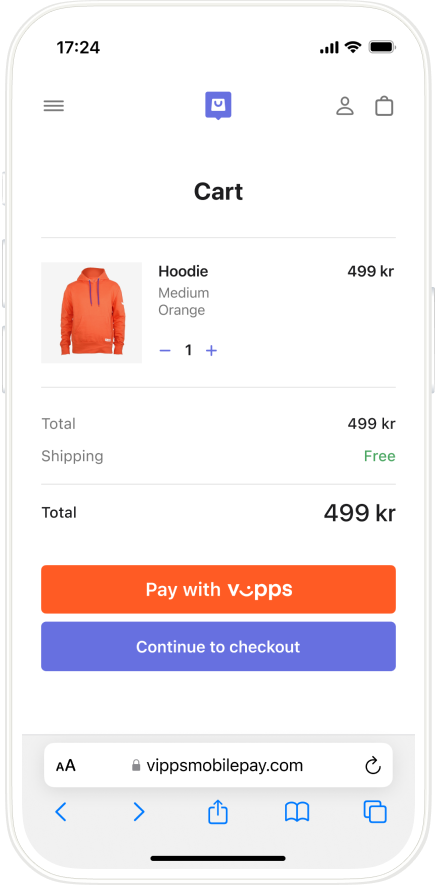
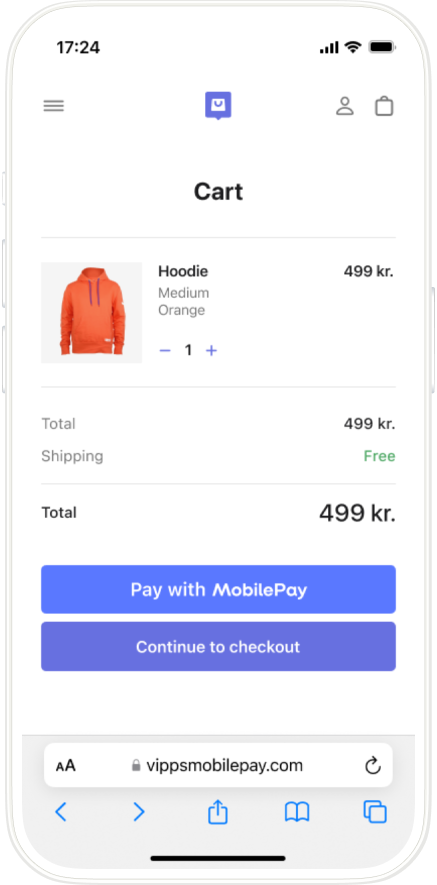
2. The PSP creates a payment request
The PSP creates a payment with POST:/epayment/v1/payments, setting paymentMethod.type to CARD_PASSTHROUGH and including the cardPassthrough object with a cardCallbackUrl. See Create payment for the full request details.
3. Customer opens the Vipps or MobilePay app
If the payment was started on a mobile device, the Vipps or MobilePay app opens automatically.
 or MobilePay
  app opens automatically.
If the payment was started on a desktop device, the landing page opens. The customer enters their phone number and the payment request is sent to the app on their phone.
- Vipps
- MobilePay
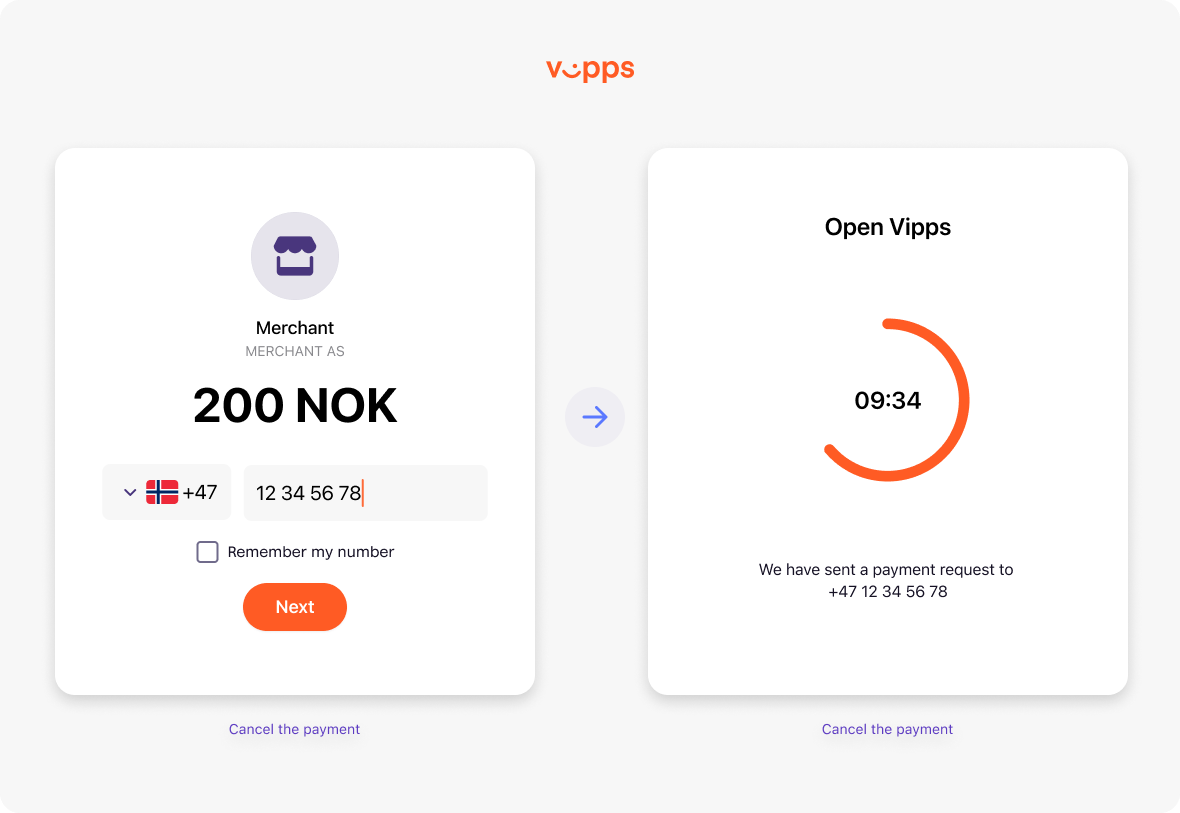
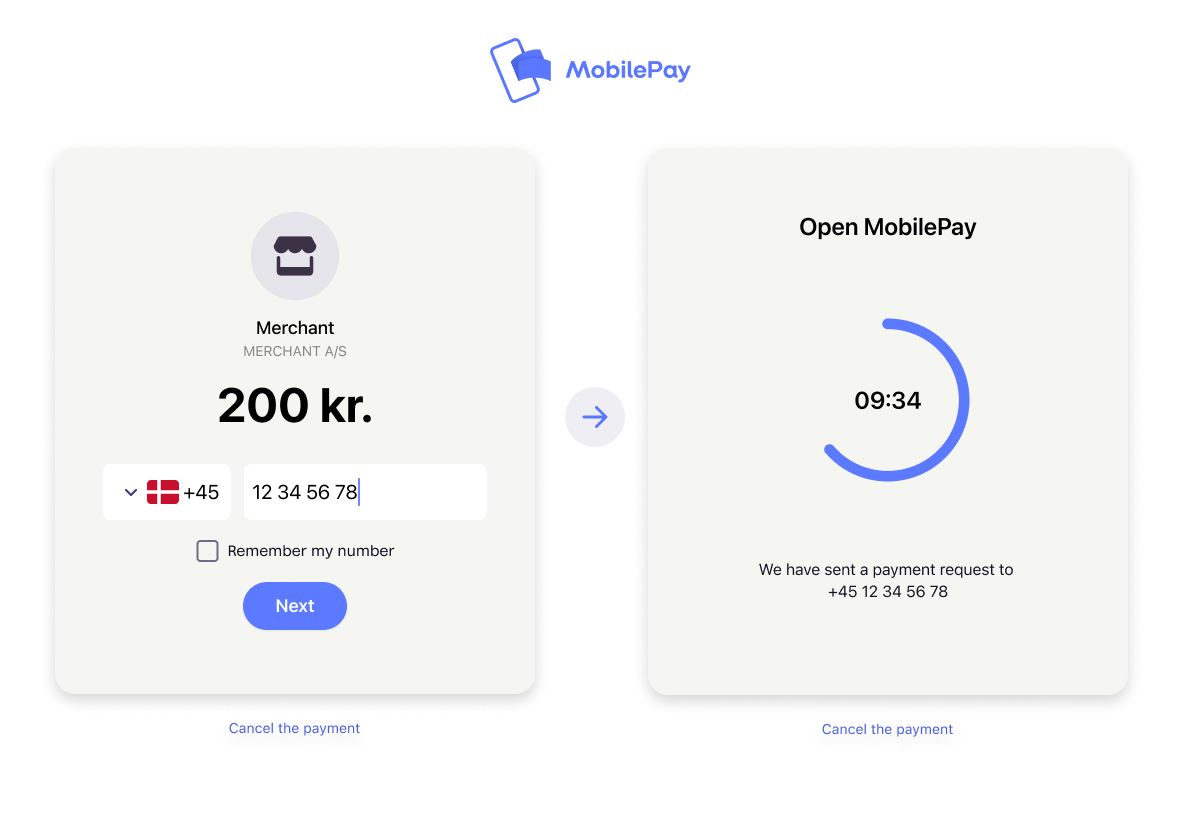
4. Customer selects a card and confirms
The customer selects a card stored in their Vipps or MobilePay app and confirms the payment.
- Vipps
- MobilePay
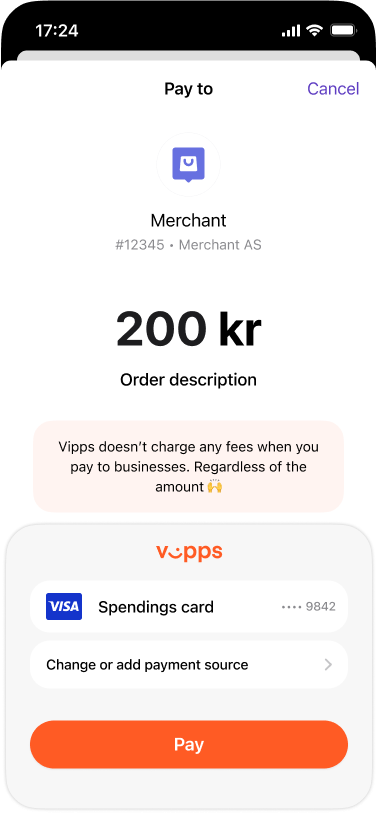
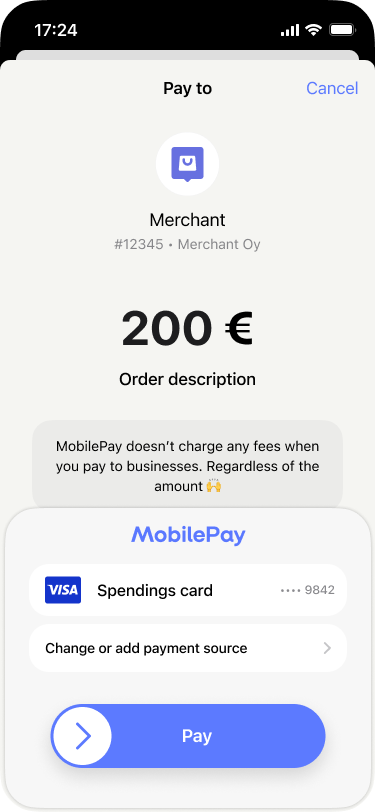
5. Vipps MobilePay sends the card token to the PSP
Vipps MobilePay posts the card token (and optionally an encrypted PAN) to the PSP's cardCallbackUrl. The PSP must respond within 20 seconds. See Card callback.
6. The PSP processes the payment
The PSP processes the payment through its own acquiring infrastructure using the card token.
7. The PSP updates the payment status
The PSP captures, refunds, or cancels the payment via the ePayment API, keeping the Vipps MobilePay app status in sync. The customer is redirected to the merchant's returnUrl and sees the order confirmation.
More information
- For technical details, see the ePayment PSP API guide
- For more payment flow examples (in-store, QR, Express), see How ePayment works