Personal QR
For a visual walkthrough of the personal QR flow, see How the QR API works with personal QR.
Every Vipps and MobilePay user has a personal QR code available in their Vipps  or MobilePay
  app.
Customers can scan their own personal QR codes at your point of sale to quickly identify themselves for payment, without needing to provide their phone number.
app.
Customers can scan their own personal QR codes at your point of sale to quickly identify themselves for payment, without needing to provide their phone number.

Scanner setup
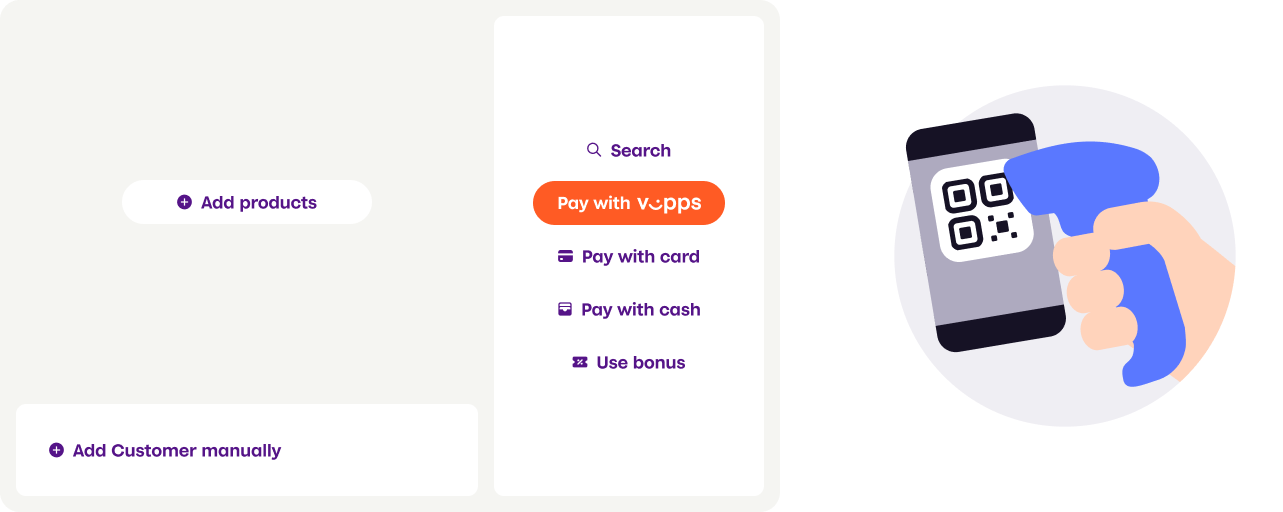
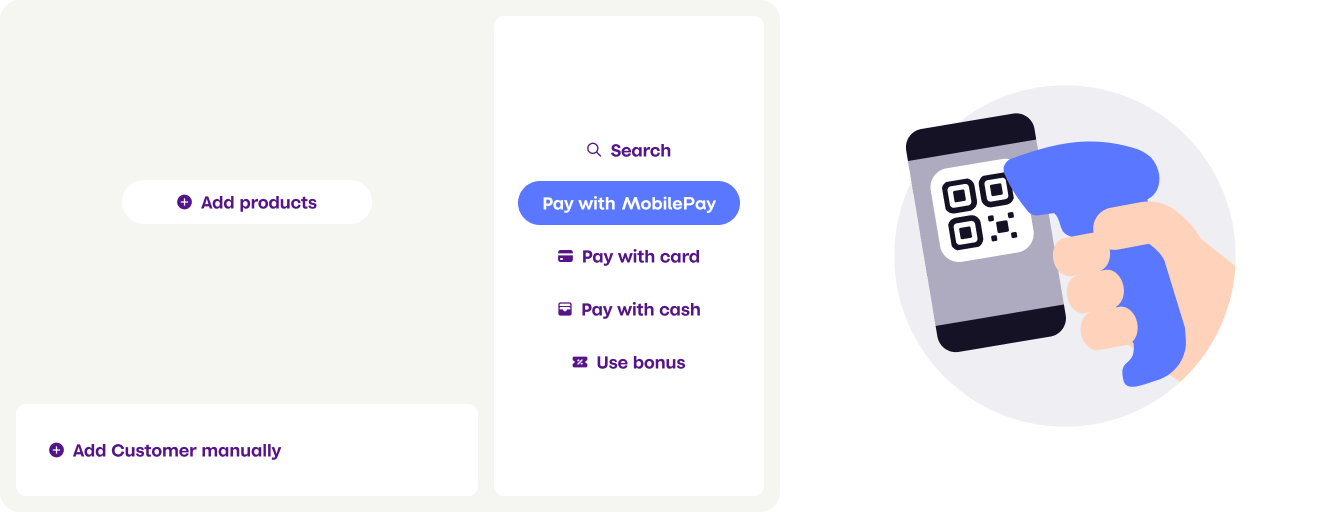
Provide customers with a QR scanner at your checkout where they can scan their personal QR codes. This can be:
- Customer-facing scanner - Permanent scanner for self-service
- Cashier scanner - Handheld or wired scanner operated by staff
- Vipps
- MobilePay
Personal QR exchange endpoint
For MobilePay, the personal QR code is tokenized, so you must use the exchange endpoint to get the phone number.
For Vipps, the personal QR code currently contains the phone number in clear-text format
(e.g., https://qr.vipps.no/28/2/01/031/4712345678?v=1).
However, we strongly recommend using the exchange endpoint for Vipps as well,
as this will become required in the future when Vipps also moves to tokenized QR codes.
Using the exchange endpoint ensures your integration will continue to work without changes.
Use the POST:/v1/exchange
endpoint to convert the scanned QR code into the customer's phone number.
Example request
curl -X POST https://apitest.vipps.no/qr/v1/exchange \
-H "Content-Type: application/json" \
-H "Authorization: Bearer YOUR-ACCESS-TOKEN" \
-H "Ocp-Apim-Subscription-Key: YOUR-SUBSCRIPTION-KEY" \
-H "Merchant-Serial-Number: YOUR-MSN" \
-H "Vipps-System-Name: acme" \
-H "Vipps-System-Version: 3.1.2" \
-H "Vipps-System-Plugin-Name: acme-webshop" \
-H "Vipps-System-Plugin-Version: 4.5.6" \
-d '{
    "qrCode": "https://qr.vipps.no/p/qwjhewqhueheuqwhuqwhe"
}'
Example response
{
  "msisdn": "4712345678",
  "timestamp": 1634025600,
  "version": "2.0"
}
API specification
Request parameters:
| Parameter | Description | Required |
|---|---|---|
qrCode | The full content embedded in the QR code | Yes |
requestedData | Array of data types to return. Currently, only supports ["MSISDN"]. Optional, as it's the default. | No |
Response parameters:
| Parameter | Description |
|---|---|
msisdn | The customer's phone number |
version | QR code version: 2.0 (tokenized, current) or 1.0 (clear-text, deprecated) |
timestamp | UTC timestamp (in seconds) when the QR code was generated. Only available in version 2.0 |
Using the phone number
After obtaining the customer's phone number or token from the exchange endpoint, use it to create a payment request via the ePayment API. See Personal QR feature for complete implementation details.