Personal QR
Install AI tools
Give your assistant up-to-date guidance for our APIs, with our plugin or without it.
The plugin is still under development. See the AI tools page for details.
- Claude Code
- Cursor
- Codex
- Without installing
Run both commands, in order.
claude plugin marketplace add vippsas/agent-toolkit
claude plugin install vipps-developer@agent-toolkit
Open Settings, then Plugins.
Add vippsas/agent-toolkit as a plugin marketplace, then install the "vipps-developer" plugin.
For the app, add the marketplace "vippsas/agent-toolkit" and then install "vipps-developer". For the CLI, run the following commands.
codex plugin marketplace add vippsas/agent-toolkit
codex plugin add vipps-developer@agent-toolkit
Paste this into any assistant.
Read https://github.com/vippsas/agent-toolkit/blob/main/plugins/vipps-developer/README.md for Vipps MobilePay integration guidance.
For troubleshooting, see the full instructions.
For a visual walkthrough of the personal QR flow, see How the QR API works with personal QR.
Every user has a personal QR code available in their Vipps or MobilePay app. Customers can scan their own personal QR codes at your point of sale to quickly identify themselves for payment, without needing to provide their phone number.

Screenshot: Personal QR code screen in the Vipps app, showing the user's unique QR code for in-store payment or identification.
Scanner setup
Provide customers with a QR scanner at your checkout where they can scan their personal QR codes. This can be:
- Customer-facing scanner - Permanent scanner for self-service
- Cashier scanner - Handheld or wired scanner operated by staff
- Vipps
- MobilePay
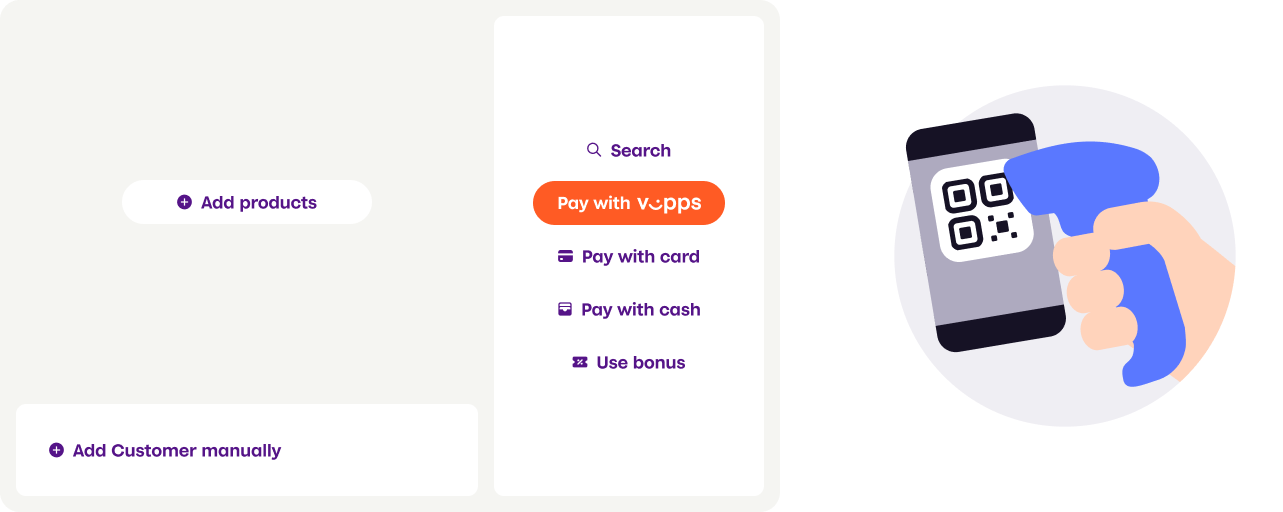
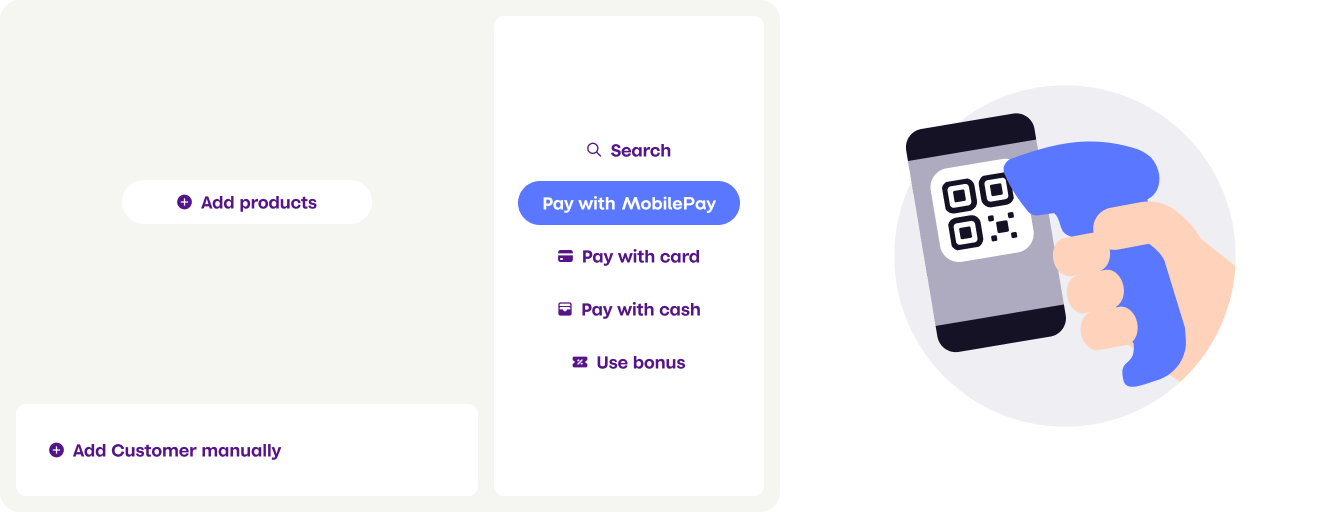
Screenshot: A hand scanner at a point-of-sale terminal used to scan a customer's personal QR code from the app (Vipps or MobilePay).
Personal QR exchange endpoint
Use the POST:/v1/exchange
endpoint to convert the scanned QR code into the customer's phone number.
Example request
curl -X POST https://apitest.vipps.no/qr/v1/exchange \
-H "Content-Type: application/json" \
-H "Authorization: Bearer YOUR-ACCESS-TOKEN" \
-H "Ocp-Apim-Subscription-Key: YOUR-SUBSCRIPTION-KEY" \
-H "Merchant-Serial-Number: YOUR-MSN" \
-H "Vipps-System-Name: acme" \
-H "Vipps-System-Version: 3.1.2" \
-H "Vipps-System-Plugin-Name: acme-webshop" \
-H "Vipps-System-Plugin-Version: 4.5.6" \
-d '{
    "qrCode": "https://qr.vipps.no/p/qwjhewqhueheuqwhuqwhe"
}'
Example response
{
  "msisdn": "4712345678",
  "timestamp": 1634025600,
  "version": "2.0"
}
API specification
Request parameters:
| Parameter | Description | Required |
|---|---|---|
qrCode | The full content embedded in the QR code | Yes |
requestedData | Array of data types to return. Currently, only supports ["MSISDN"]. Optional, as it's the default. | No |
Response parameters:
| Parameter | Description |
|---|---|
msisdn | The customer's phone number |
version | QR code version: 2.0 (tokenized, current) or 1.0 (clear-text, deprecated) |
timestamp | UTC timestamp (in seconds) when the QR code was generated. Only available in version 2.0 |
Using the phone number
After obtaining the customer's phone number or token from the exchange endpoint, use it to create a payment request via the ePayment API. See Personal QR feature for complete implementation details.