How the merchant redirect QR works
Install AI tools
Give your assistant up-to-date guidance for our APIs, with our plugin or without it.
The plugin is still under development. See the AI tools page for details.
- Claude Code
- Cursor
- Codex
- Without installing
Run both commands, in order.
claude plugin marketplace add vippsas/agent-toolkit
claude plugin install vipps-developer@agent-toolkit
Open Settings, then Plugins.
Add vippsas/agent-toolkit as a plugin marketplace, then install the "vipps-developer" plugin.
For the app, add the marketplace "vippsas/agent-toolkit" and then install "vipps-developer". For the CLI, run the following commands.
codex plugin marketplace add vippsas/agent-toolkit
codex plugin add vipps-developer@agent-toolkit
Paste this into any assistant.
Read https://github.com/vippsas/agent-toolkit/blob/main/plugins/vipps-developer/README.md for Vipps MobilePay integration guidance.
For troubleshooting, see the full instructions.
Offer contactless payment to your customers by creating interactions in static points of sale.
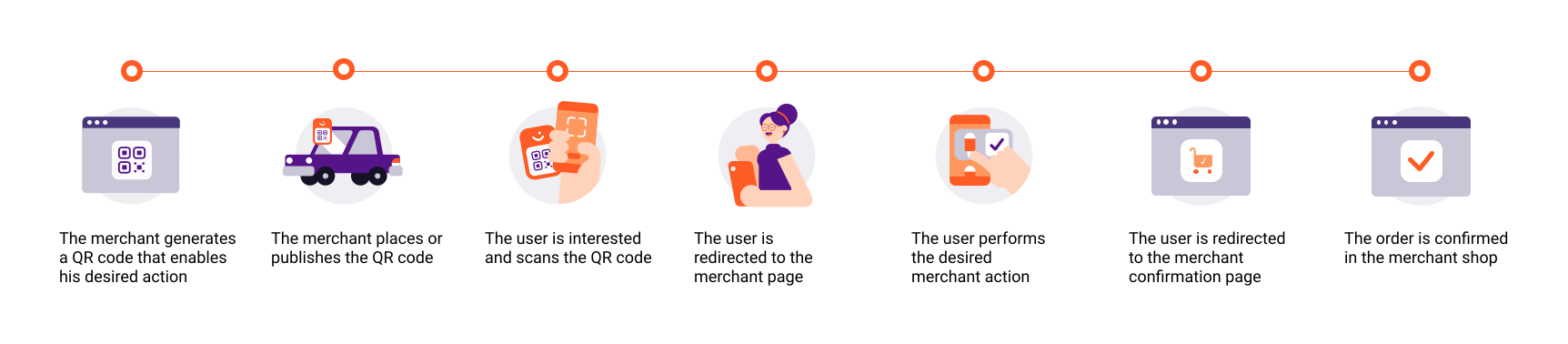
Flow diagram: The merchant redirect QR process, showing the merchant generating and publishing a static QR code, the customer scanning it, being redirected to the merchant's page, and completing the payment.
1. The merchant generates a QR code
Generate the QR as described in QR API: Merchant redirect QR codes.
It's also possible to generate the QR codes on the business portal. For help, see Portal: How to generate a Vipps MobilePay branded QR code.
2. The merchant places or publishes the QR code
This will enable the merchant's desired action, in a context.
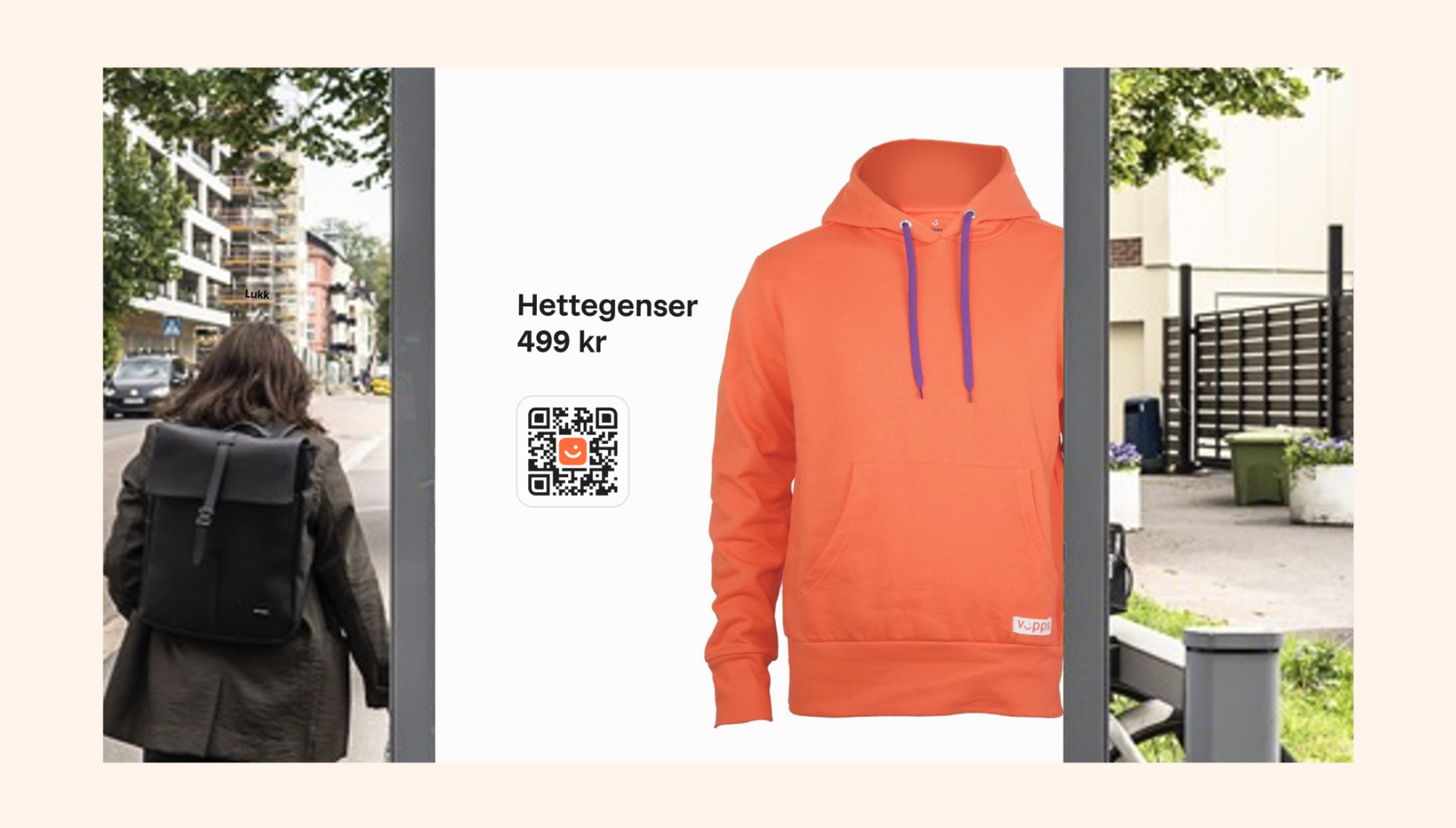
Photo: An outdoor advertising display showing a product listing for a hoodie with a Vipps-branded QR code for scanning to purchase, with a city street and a pedestrian visible in the background.
3. The user is interested and scans the QR code
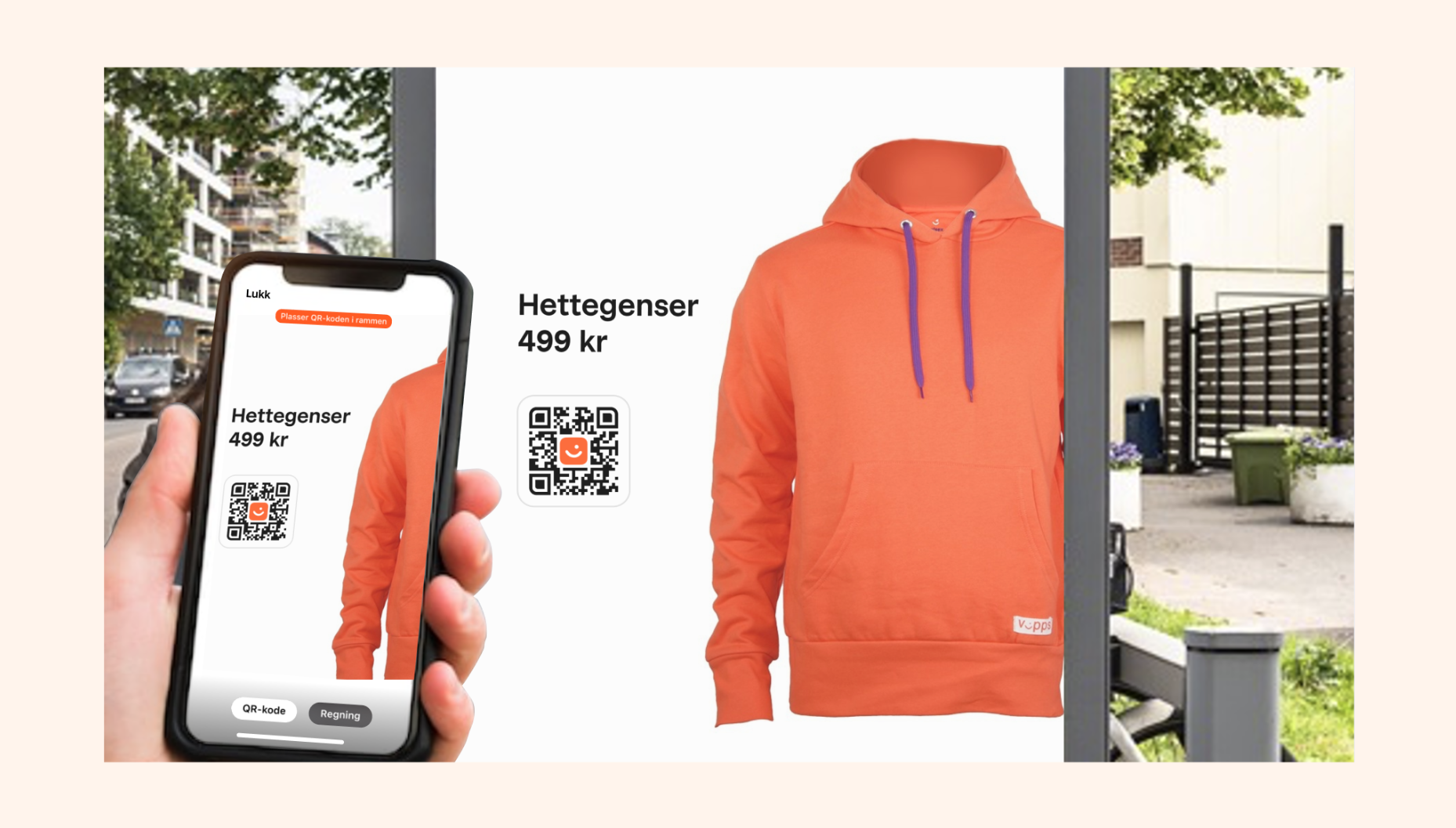
Photo: A hand holding a phone up to the same outdoor advertising display showing a hoodie product listing; the phone screen shows the QR scanner active with the scanned product details and a QR code visible in the app.
4. The user is redirected to the merchant's page
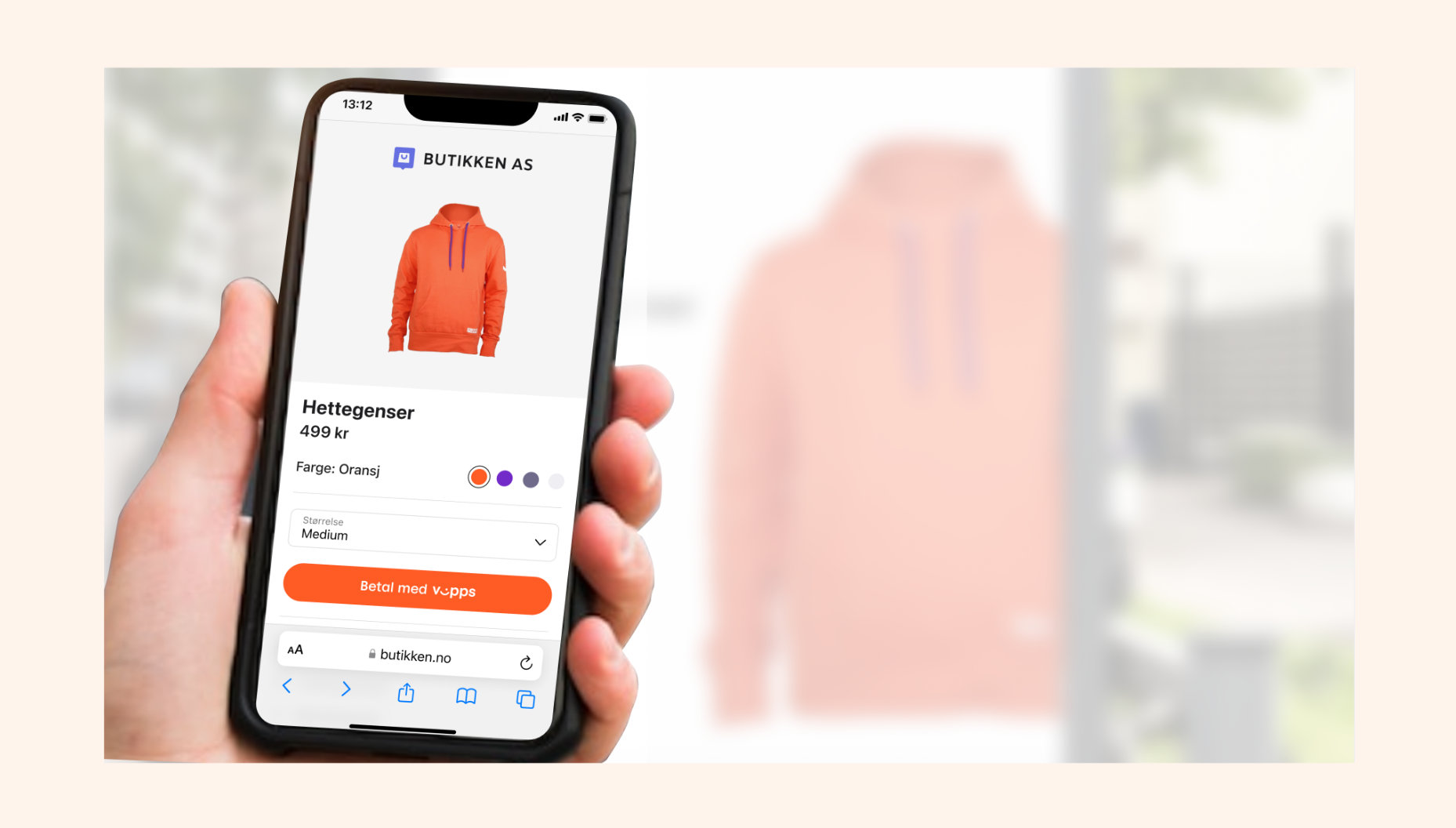
Photo: A hand holding a phone showing a mobile product page for a hoodie with color and size selectors and a "Betal med Vipps" (Pay with Vipps) button, photographed in front of an outdoor advertising backdrop.
5. The order is confirmed
The user performs the merchant's desired action. After payment, the order is confirmed at the merchant shop.
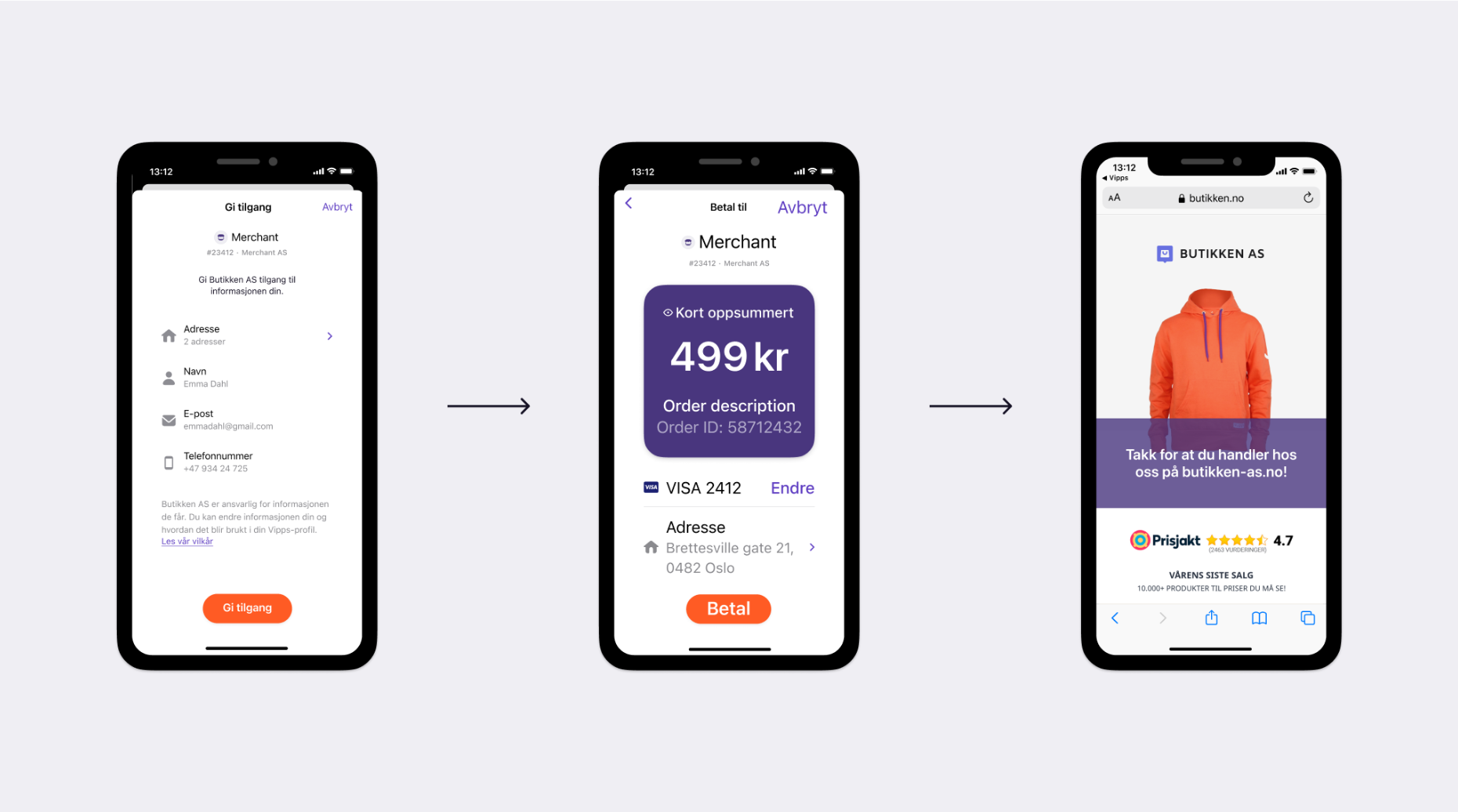
Screenshot: Three-step payment flow showing (1) a Vipps consent screen granting the merchant access to user data, (2) a payment confirmation screen with order summary and a "Betal" (Pay) button, and (3) the merchant's post-purchase thank-you page displayed in a browser.