How the QR API works with personal QR
Enable fast, contactless in-store payments by scanning your customer's personal QR code from their Vipps  or MobilePay
  app. This allows you to identify customers and send payment requests without asking for their phone number.
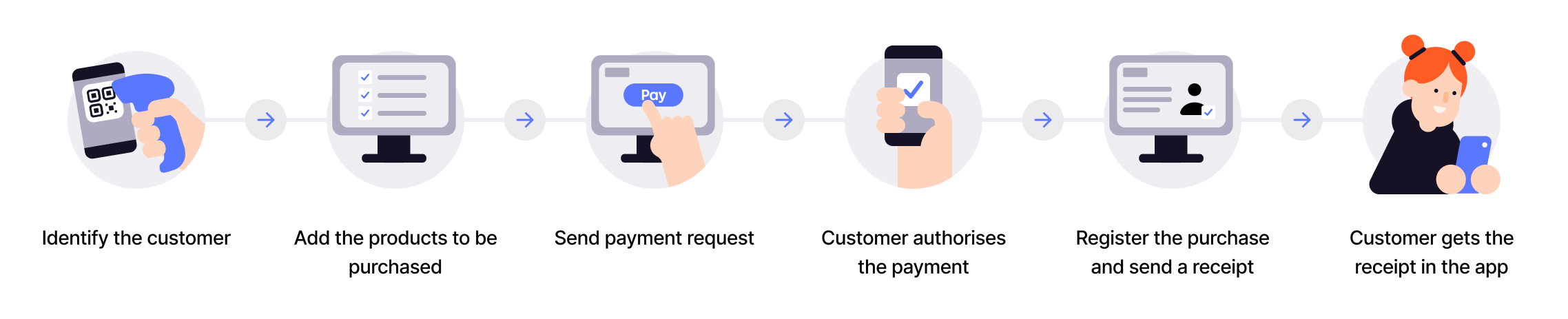
1. Customer shows their personal QR code
Every Vipps and MobilePay user has a personal QR code available in their app. The customer opens their app and displays their personal QR code.
- Vipps
- MobilePay


2. Merchant scans the QR code
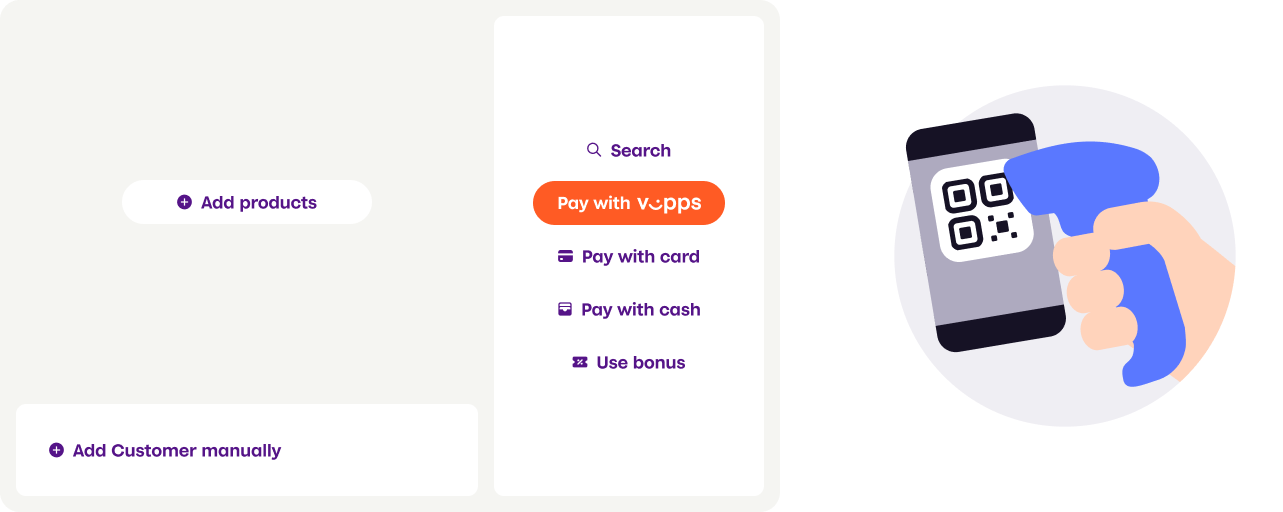
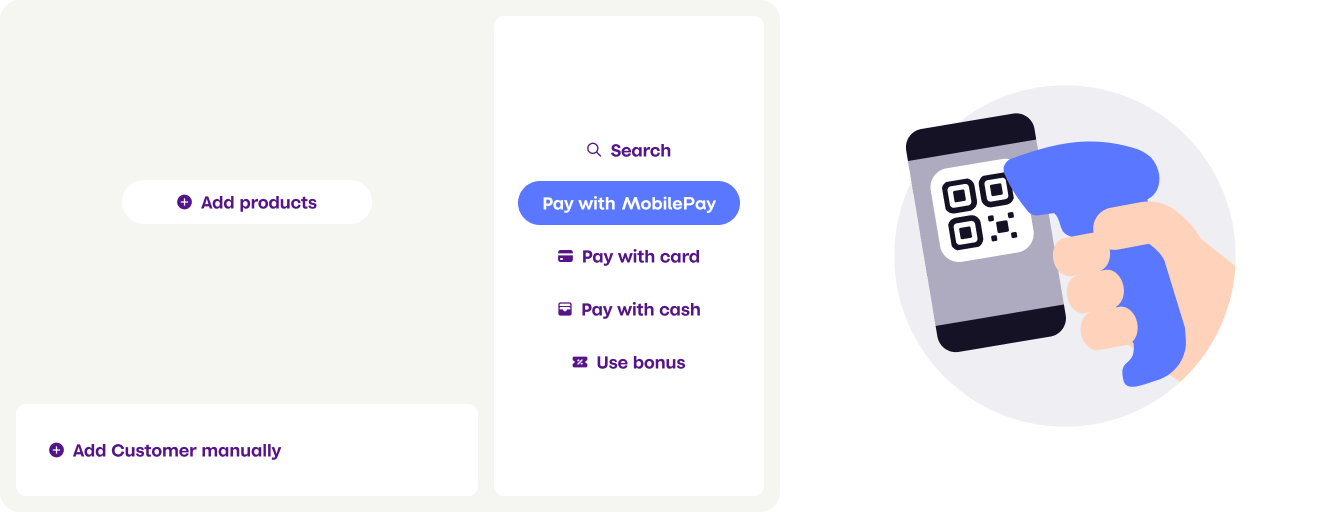
The cashier or the customer uses a QR scanner to scan the personal QR code. This can be done with:
- Customer-facing scanner - A permanent scanner positioned for self-service
- Cashier scanner - A handheld or wired scanner operated by store staff
- Vipps
- MobilePay
3. Merchant exchanges QR code for phone number
The scanned QR code contains a tokenized string (for MobilePay) or clear-text phone number (for current Vipps). The merchant's system calls the Personal QR exchange endpoint to get the customer's phone number.
For MobilePay, you must use the exchange endpoint as the QR code is tokenized.
For Vipps, we strongly recommend using the exchange endpoint even though the phone number is currently in clear-text format. Vipps will move to tokenized QR codes in the future, and using the exchange endpoint ensures your integration continues working.
Request to exchange endpoint:
POST /qr/v1/exchange
{
  "qrCode": "https://qr.vipps.no/p/qwjhewqhueheuqwhuqwhe"
}
Response with phone number:
{
  "msisdn": "4712345678",
  "timestamp": 1634025600,
  "version": "2.0"
}
4. Merchant creates payment request
Using the customer's phone number, the merchant creates a payment request through the ePayment API with:
userFlowset toPUSH_MESSAGEto send the payment directly to the customer's appcustomerInteractionset toCUSTOMER_PRESENT(required for regulatory compliance)- Optional
receipt.orderLinesto display purchase details
See Personal QR feature for complete implementation details.
5. Customer receives and approves payment
The payment request appears as a push notification on the customer's phone. They open their Vipps or MobilePay app and see the payment details, including any order line items sent by the merchant.
The customer reviews and approves the payment in their app.
6. Merchant completes the transaction
After the customer approves the payment:
- The merchant receives confirmation via webhook or by polling the payment status
- The merchant captures the payment to complete the transaction
- The customer receives their receipt
Technical implementation
For detailed API specifications and code examples:
- QR API guide: Personal QR exchange endpoint - API reference