Flexible price payment agreement
Install AI tools
Give your assistant up-to-date guidance for our APIs, with our plugin or without it.
The plugin is still under development. See the AI tools page for details.
- Claude Code
- Cursor
- Codex
- Without installing
Run both commands, in order.
claude plugin marketplace add vippsas/agent-toolkit
claude plugin install vipps-developer@agent-toolkit
Open Settings, then Plugins.
Add vippsas/agent-toolkit as a plugin marketplace, then install the "vipps-developer" plugin.
For the app, add the marketplace "vippsas/agent-toolkit" and then install "vipps-developer". For the CLI, run the following commands.
codex plugin marketplace add vippsas/agent-toolkit
codex plugin add vipps-developer@agent-toolkit
Paste this into any assistant.
Read https://github.com/vippsas/agent-toolkit/blob/main/plugins/vipps-developer/README.md for Vipps MobilePay integration guidance.
For troubleshooting, see the full instructions.
A flexible price agreement gives the merchant full flexibility to charge the user any amount, at any time, and at any frequency. Unlike other agreement types, there is no maximum amount set or approved in advance by the user. This is ideal for services where both the amount and charging interval are unpredictable.
Example industries/use-cases
Similar use cases to those of variable price payment agreements.
Utilities: Power, water, telecom bills where the amount depends on usage
Food Delivery & Groceries: Weekly meal delivery with changing order totals
Mobility & Transport: Car sharing or bike rental subscriptions with variable monthly charges
Parking & Charging: Parking apps or parking aggregators, EV charging
On-demand services: Home repairs and cleaning
Entertainment: Lottery and other entertainment subscriptions where the amount varies depending on the user's purchases
How it looks in the app
- Vipps
- MobilePay
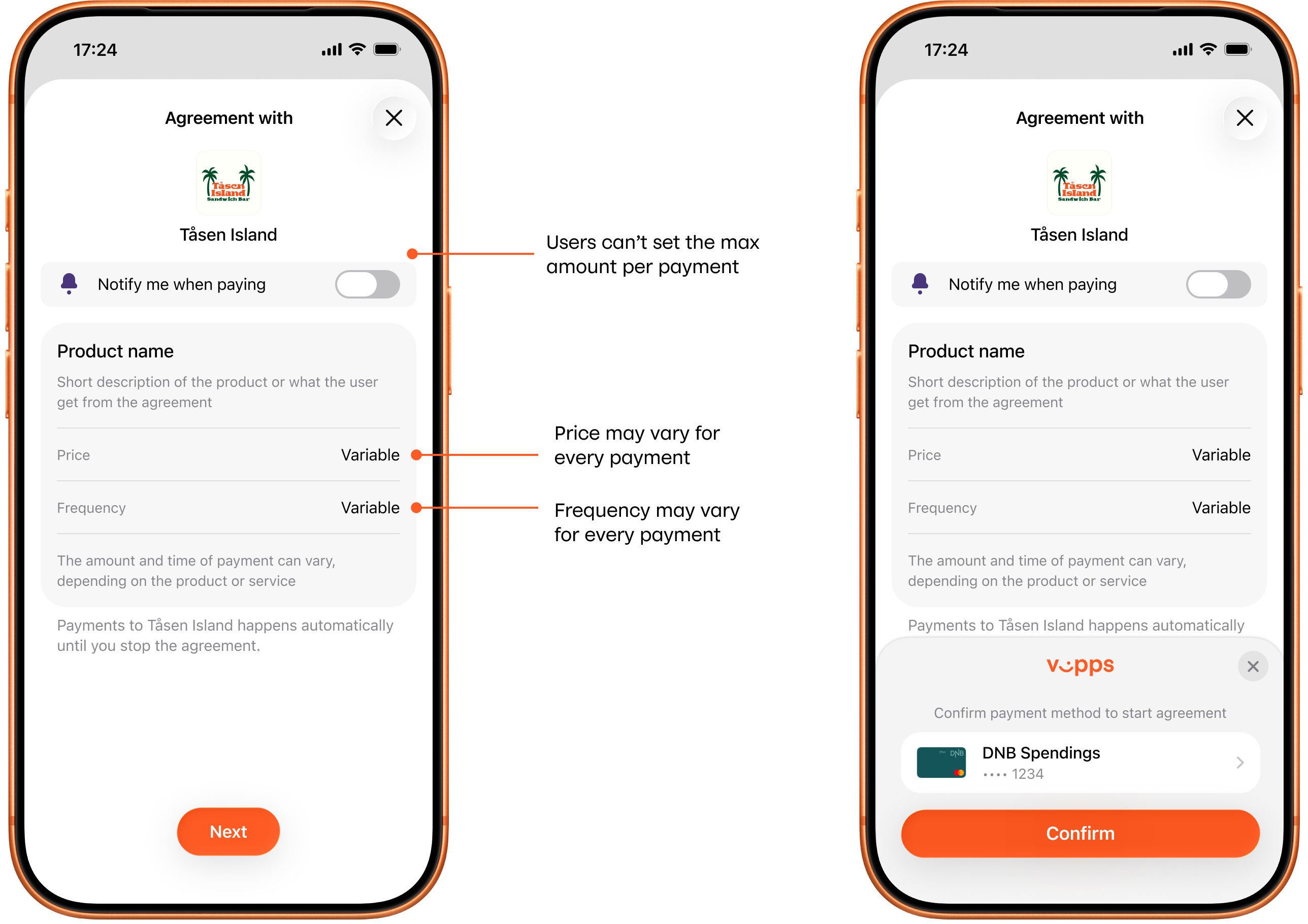
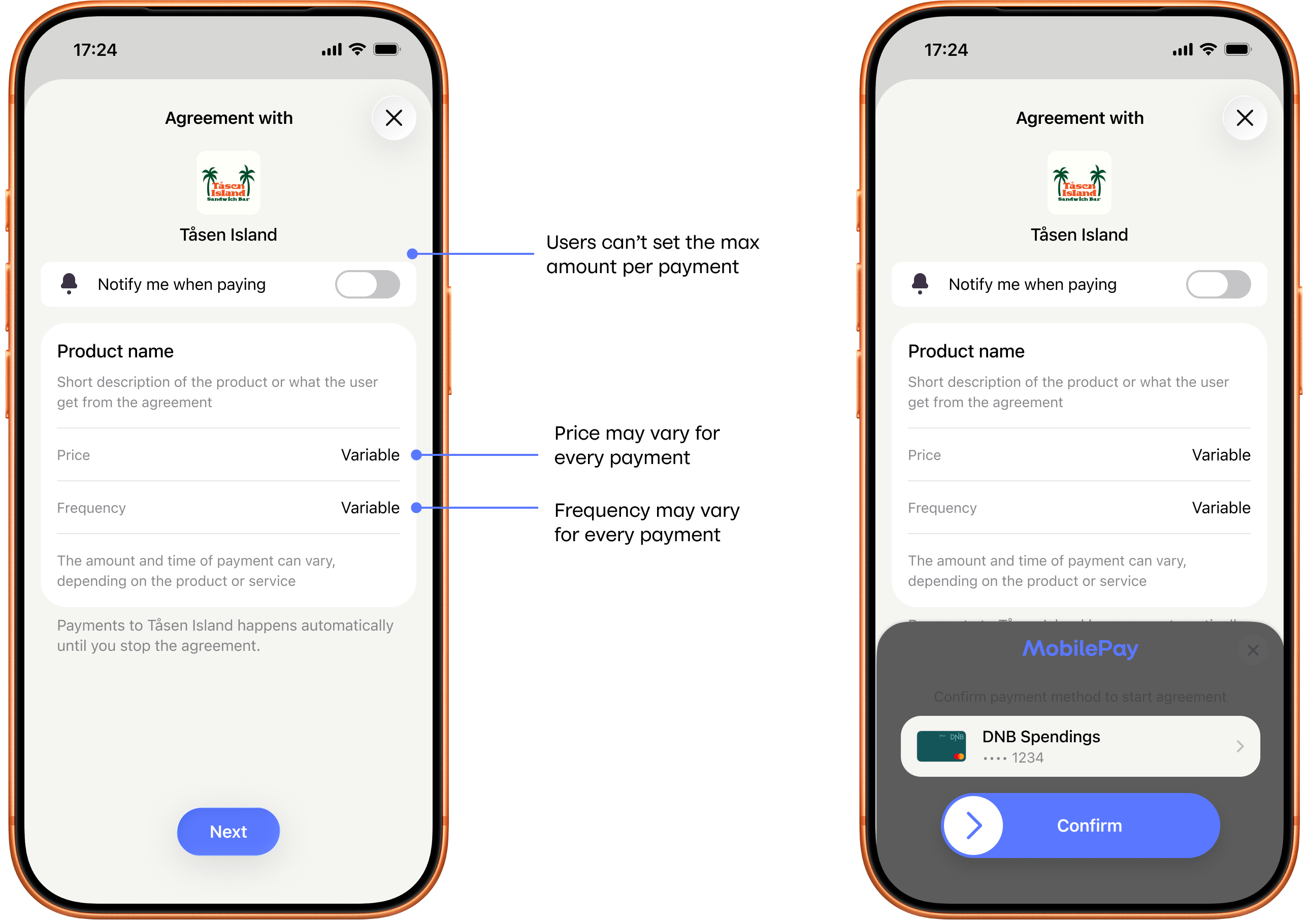
Screenshot: Two-screen flexible price payment agreement sign-up flow in the app (Vipps or MobilePay) — the overview step shows Price and Frequency both labeled "Variable" with annotations noting the amount and timing can vary per payment and that no user-set maximum applies; the approval step shows a "Confirm payment method" prompt with a payment card and a Pay/Confirm button.
API request snippet
"pricing": {
"type": "FLEXIBLE",
"currency": "NOK"
}
Interval can be optional.
"interval": {
  "unit": "MONTH",
  "count": 1
}