Age check
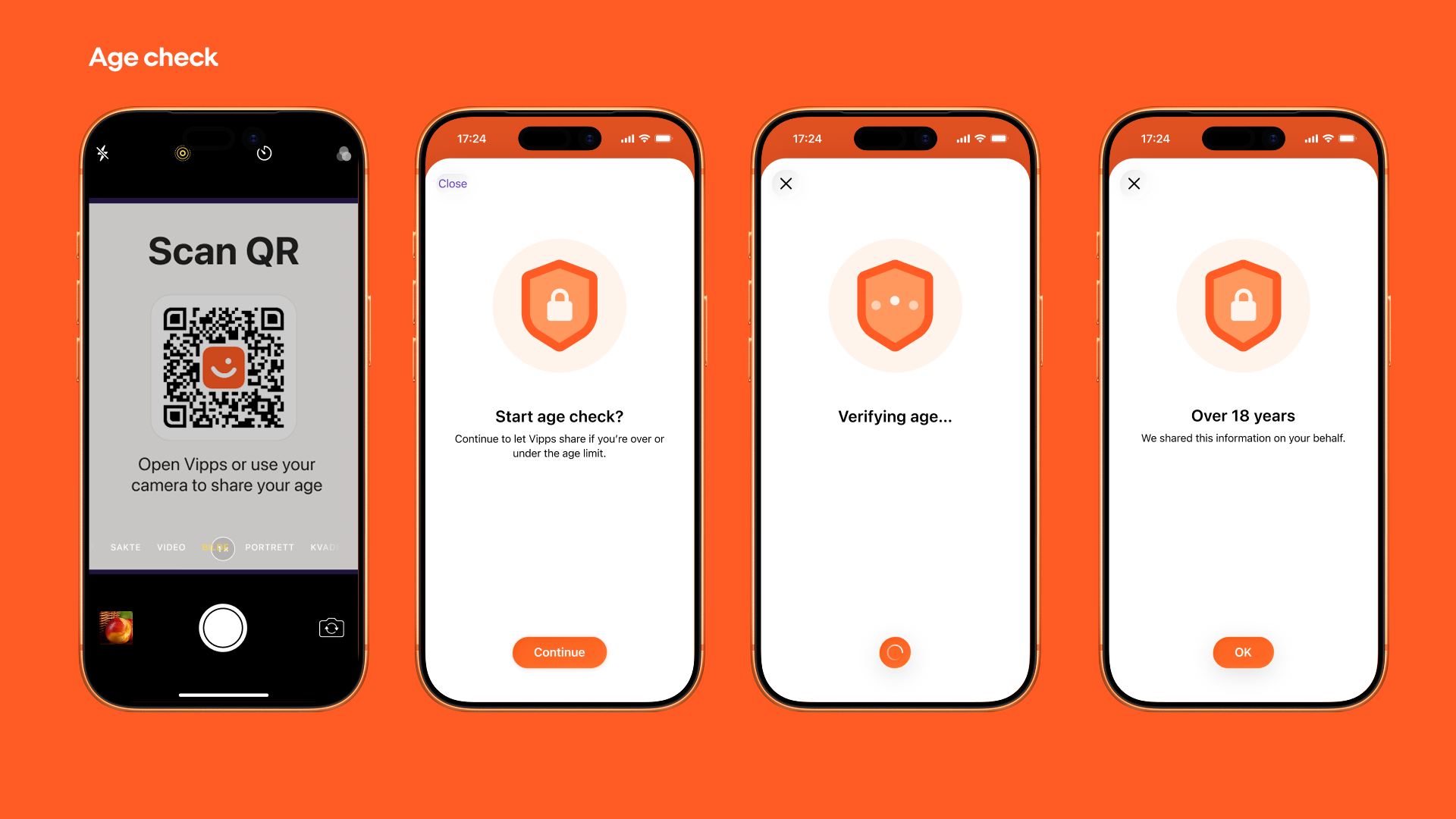
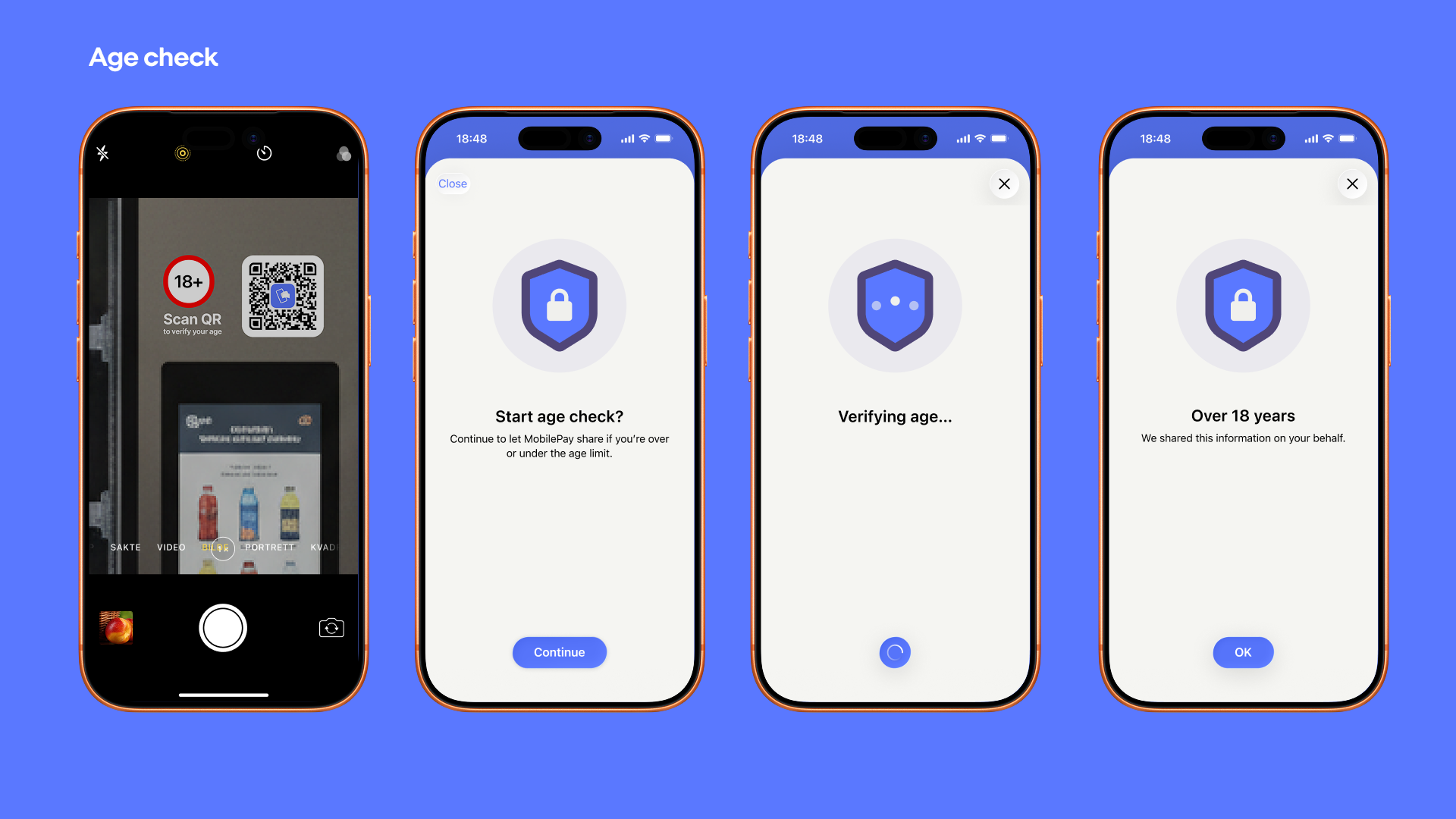
Customer scans a QR code on a vending machine, completes the steps in our app, and the merchant verifies that the customer meets the minimum age requirement before allowing the purchase.
- Vipps
- MobilePay
One-time merchant setup
Register webhook - Register a webhook for the user.checked-in.v1 event. This is the URL where Vipps MobilePay sends events whenever a customer scans one of your Callback QRs. This only needs to be done once per merchant. See Register a webhook.
Per vending machine setup
Create Callback QR - For each vending machine, create a Merchant Callback QR with a merchantQrId and set category to AGE_CHECK. Display the QR image on the vending machine and store the merchantQrId in your system to identify which vending machine the customer is at.
Per customer interaction flow
- Customer scans QR - The customer scans the Callback QR on the vending machine using their phone camera or through the Vipps MobilePay app.
- Vipps MobilePay app opens - The app opens automatically and starts an age-check flow for the customer.
- Receive webhook - Vipps MobilePay sends a
user.checked-in.v1webhook containing thecustomerTokenandmerchantQrId(used to identify which vending machine is being used). - Perform age check - Call the Age Check endpoint with the
customerToken(nested undercustomer) and the requiredminAge(e.g., 16). - Receive result - Vipps MobilePay responds with
ageCheck: true(allow purchase) orageCheck: false(block purchase).
View sequence diagram
Age check at vending machine
Technical details
- QR API guide - Overview of the QR API
- Merchant Callback QR - How to set up callback QR codes
- Webhooks API - How to register and manage webhooks