How the QR API works with one-time payment
Install AI tools
Give your assistant up-to-date guidance for our APIs, with our plugin or without it.
The plugin is still under development. See the AI tools page for details.
- Claude Code
- Cursor
- Codex
- Without installing
Run both commands, in order.
claude plugin marketplace add vippsas/agent-toolkit
claude plugin install vipps-developer@agent-toolkit
Open Settings, then Plugins.
Add vippsas/agent-toolkit as a plugin marketplace, then install the "vipps-developer" plugin.
For the app, add the marketplace "vippsas/agent-toolkit" and then install "vipps-developer". For the CLI, run the following commands.
codex plugin marketplace add vippsas/agent-toolkit
codex plugin add vipps-developer@agent-toolkit
Paste this into any assistant.
Read https://github.com/vippsas/agent-toolkit/blob/main/plugins/vipps-developer/README.md for Vipps MobilePay integration guidance.
For troubleshooting, see the full instructions.
Offer contactless payment to your customers by generating a one-time QR code the user can scan to pay.
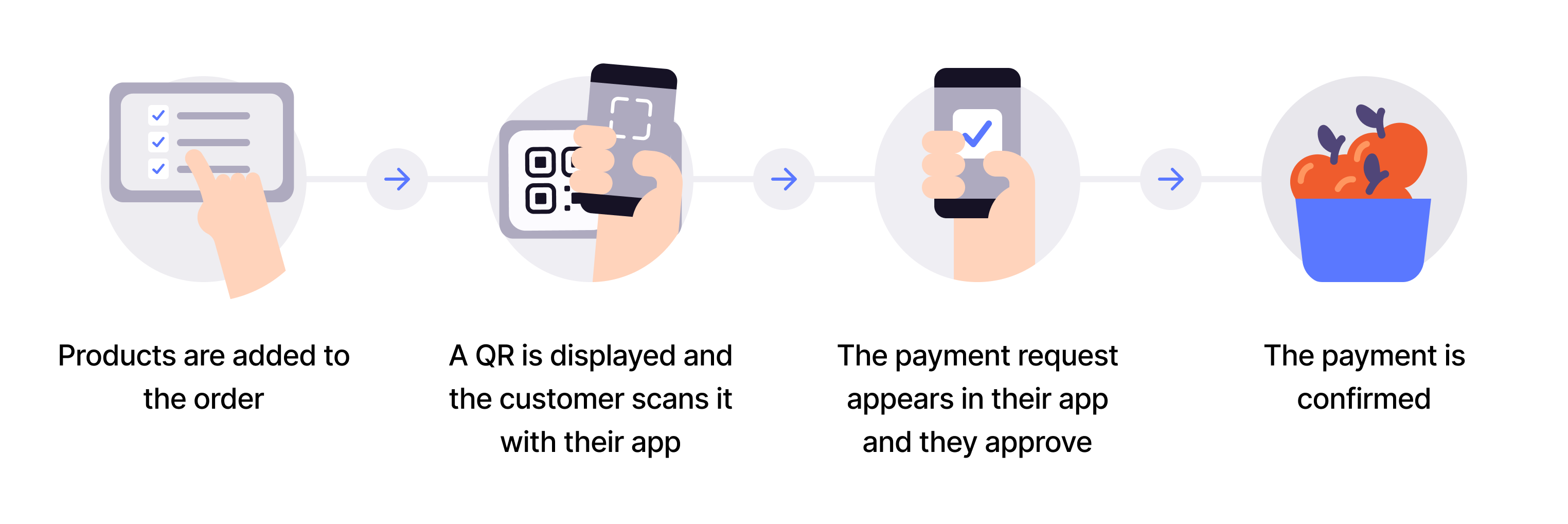
Flow diagram: 4-step dynamic QR payment process. (1) Products are added to the order. (2) A QR code is displayed and the customer scans it with their app. (3) The payment request appears in the app and the customer approves it. (4) The payment is confirmed.
1. User wants to pay with Vipps or MobilePay
The user uses Vipps or MobilePay as the preferred payment method.
2. The merchant generates a QR code
The one-time QR code is presented to the user, so they can pay.
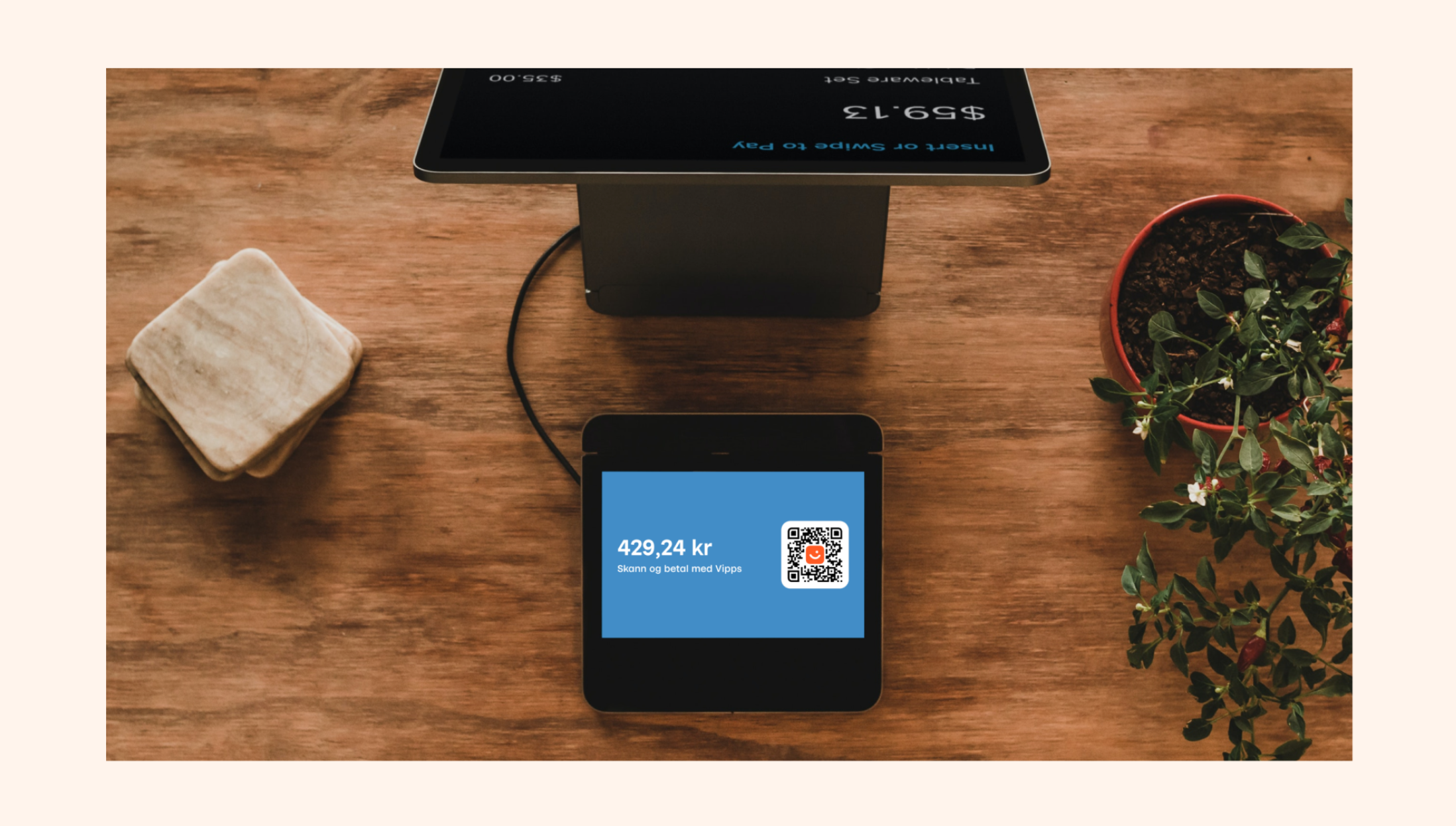
Photo: A physical point-of-sale setup on a wooden counter, with a small customer-facing screen (blue background) displaying a QR code and the text "Skann og betal med Vipps" (Scan and pay with Vipps), and a taller merchant-facing terminal screen visible in the background.
3. The user scans the QR code and the payment appears on the user's phone
The payment appears on the user's phone.
4. The user completes the payment
With Order Management, the merchant can send order details to the customer (as shown in the image below, on the right side).